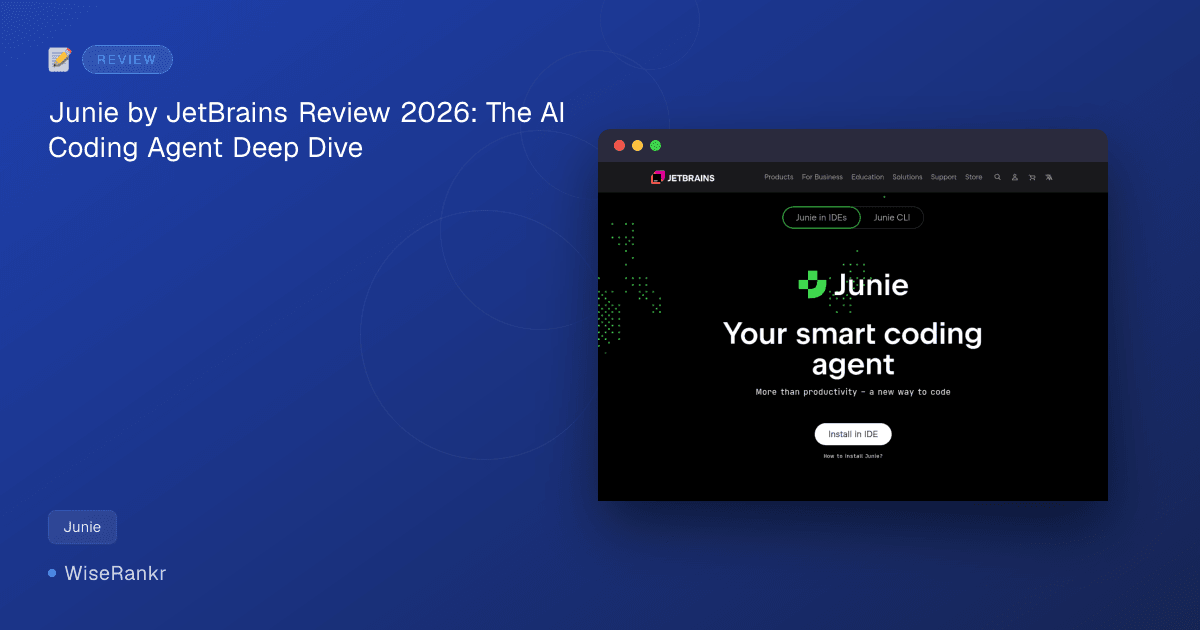
Are you spending too much time on repetitive coding tasks, or struggling to maintain focus amidst complex project requirements? In the rapidly evolving landscape of software development, AI coding agents are becoming indispensable tools for boosting productivity. Today, we're diving deep into Junie, JetBrains' official AI coding agent, designed to integrate seamlessly with your favorite IDE and help you move faster and stay focused.
As senior tech writers at WiseRankr.com, we understand the critical role these tools play in modern development workflows. Junie promises to understand your code, propose execution plans, and automate significant portions of your daily tasks. But does it deliver on these ambitious claims, especially in a crowded market?
What is Junie? An Overview of JetBrains' AI Coding Agent
Junie is JetBrains' proprietary AI coding agent, meticulously engineered to work within its suite of IntelliJ-based IDEs, including IntelliJ IDEA, PyCharm, and Android Studio. Unlike simpler autocomplete tools, Junie aims for autonomous task execution, structured planning, and transparent reasoning, leveraging JetBrains' deep understanding of developer workflows and code semantics.
It's positioned as an intelligent assistant that not only helps write code but also comprehends code structure, logic, and relationships to propose comprehensive execution plans for various development tasks. This agentic approach is what sets Junie apart, promising a more hands-off, yet transparent, development experience.
Essential Features of Junie
Junie comes packed with capabilities designed to streamline your coding process directly within the JetBrains ecosystem. Its core strength lies in its deep integration and understanding of your project context.
Deep IDE Integration
One of Junie's standout features is its seamless integration into JetBrains IDEs and Android Studio. This isn't just a plugin; it's designed to feel like a native extension of your development environment, accessing project context, file structure, and code definitions directly.
Intelligent Code Understanding
Junie boasts the ability to understand code structure, logic, and relationships within your codebase. This allows it to go beyond simple syntax suggestions, providing contextually relevant assistance and understanding the intent behind your actions. This is crucial for more complex, multi-file tasks.
Execution Plan Proposals
For any given task, Junie can propose execution plans. This includes breaking down a larger problem into smaller, manageable steps, identifying necessary code changes, and even suggesting how to test those changes. This structured approach helps developers visualize and approve the AI's intended actions.
Code Mode for Development
In "Code mode," Junie assists directly with writing and testing code. Whether it's generating boilerplate, refactoring existing functions, or suggesting test cases, this mode is designed to accelerate the actual coding process.
Ask Mode for Collaboration and Brainstorming
Beyond direct code manipulation, Junie offers an "Ask mode" for questions, collaboration, and brainstorming. This allows developers to query the AI about code segments, seek explanations for complex logic, or explore different architectural approaches, turning Junie into a conversational coding partner.
Junie Pricing: A Layered Approach
Understanding Junie's pricing requires a look at JetBrains AI's credit-based subscription model, which is an add-on to existing paid JetBrains IDE licenses. It's crucial to note that you need both an active IDE license (e.g., IntelliJ IDEA Ultimate, PyCharm Professional) and a JetBrains AI subscription to utilize Junie.
- AI Pro: Priced at $100/user/year, this plan includes 10 credits per 30 days. It's suitable for basic Junie use, perhaps for occasional assistance or smaller tasks.
- AI Ultimate: For $300/user/year, users receive 35 credits per 30 days. This tier is recommended for regular Junie users who anticipate more frequent interaction and larger tasks.
- AI Enterprise: At $720/user/year, this plan offers maximum credits and enterprise-specific features like Single Sign-On (SSO). It's designed for larger organizations requiring extensive AI assistance and advanced management capabilities.
Important Note: Credits are tied to your JetBrains account and are consumed based on the complexity and duration of AI tasks. Users on Reddit have frequently highlighted concerns about rapid credit depletion for complex or agentic work, suggesting that lower-tier plans might be insufficient for heavy usage. Visit jetbrains.com/junie for the most current pricing details and credit usage policies.
User Reviews and Community Sentiment
While specific G2, Capterra, or Trustpilot ratings for Junie are not yet available, we can gather insights from JetBrains' own developer experience surveys and community discussions.
Positive Feedback
JetBrains' internal surveys indicate strong positive sentiment:
- Users on G2 report that 83% of managers observed an increase in team productivity after integrating Junie.
- Additionally, 76% of users expressed satisfaction with Junie's performance on their daily development tasks. These figures suggest that when properly utilized, Junie can significantly boost efficiency within development teams.
Community Concerns
Despite the positive internal data, Reddit threads and JetBrains' own support forums reveal significant user concerns, primarily around the pricing and credit consumption model for JetBrains AI, which encompasses Junie.
- Unpredictable Costs: Reddit users frequently lament the unpredictable nature of costs, as the credit-based system can lead to fluctuating monthly expenses, especially for teams with varying AI usage patterns.
- Rapid Credit Depletion: A common complaint is that complex tasks or frequent agentic use can quickly consume credits. This often means that the 10 credits/month offered in the AI Pro plan are insufficient for serious agentic work, pushing users towards more expensive tiers or incurring unexpected overage charges.
Integrations: A JetBrains-Centric Ecosystem
Junie's integration story is straightforward: it is deeply and exclusively integrated with JetBrains' own Integrated Development Environments (IDEs) and Android Studio. This means if your development team primarily uses tools like IntelliJ IDEA, PyCharm, WebStorm, or DataGrip, Junie will fit right in.
However, this tight integration also represents its primary limitation. There are no direct integrations with third-party editors like VS Code, Neovim, or Emacs. This makes Junie a non-starter for teams not already fully invested in the JetBrains ecosystem. The recently released CLI beta is an attempt to broaden its reach, but it's still maturing and lacks the full capabilities available within the IDE plugin.
Pros and Cons of Using Junie
Every powerful tool comes with its trade-offs. Here's a balanced look at Junie's advantages and disadvantages.
Pros:
- Deep JetBrains IDE Integration: Unparalleled synergy with IntelliJ-based IDEs, leveraging full project context.
- Autonomous Task Execution: Aims to understand and execute complex multi-step development tasks.
- Structured Planning & Transparency: Proposes clear execution plans, allowing developers to review and approve AI actions.
- Strong Code Understanding: Capable of comprehending code structure, logic, and relationships for more intelligent assistance.
- Proven Productivity Gains: JetBrains surveys indicate significant increases in team productivity and user satisfaction.
- Dedicated "Ask Mode": Useful for brainstorming, code explanations, and general development queries.
Cons:
- JetBrains-Only Integration: The most significant limitation, making it inaccessible for non-JetBrains IDE users.
- Layered Cost Structure: Requires both an IDE license and an AI subscription, increasing overall expense.
- Unpredictable Credit Consumption: Heavy agentic use can quickly deplete credits, leading to higher-than-anticipated costs.
- Initial Setup Complexity: Can be more involved for teams not already deeply integrated into the JetBrains ecosystem.
- Varying Language Experience: JVM languages (Java, Kotlin) generally receive the most polished AI treatment.
- CLI Beta Limitations: The command-line interface is still in its early stages and may lack full feature parity.
- Not Infallible: Like all AI, it has edge cases and limitations, requiring developer oversight.
Who Is Junie For?
Junie is best suited for specific developer profiles and team structures:
- JetBrains Loyalists: Teams and individual developers who are already heavily invested in and prefer JetBrains IDEs (IntelliJ IDEA, PyCharm, Android Studio, etc.).
- Enterprises with Budget: Organizations that can comfortably absorb the layered cost structure of both IDE licenses and AI subscriptions, especially those opting for the AI Enterprise plan.
- Teams Seeking Agentic AI: Development teams looking for an AI assistant that can go beyond simple code completion to understand tasks, propose plans, and execute multi-step changes.
- JVM Language Developers: While it supports various languages, developers working primarily with Java, Kotlin, and other JVM-based languages may find the experience particularly polished due to JetBrains' historical focus.
It is emphatically not for developers using VS Code, Neovim, Emacs, or other non-JetBrains editors, nor for individuals or small teams with strict budget constraints due to its credit-based pricing model.
Alternatives to Junie
The AI coding agent market is bustling with innovation. Here are some key competitors, each with its own strengths and target audience:
- Cursor: A VS Code-based AI IDE that offers agentic execution, test verification, and multiple model choices. It's a strong contender for teams that prefer the VS Code ecosystem and want a built-in AI experience.
- GitHub Copilot: The most widely adopted AI pair programmer, primarily focusing on autocomplete and inline suggestions. While its agentic "Workspace" feature exists, it's generally considered less mature than Junie's full agent mode, but its broad integration across editors makes it highly accessible.
- Aider: A free, open-source terminal-based AI coding agent offering extensive flexibility and control. Aider works from any terminal, regardless of the editor, making it an excellent choice for developers who prefer a minimalist, editor-agnostic approach.
- Refact.ai: An open-source AI coding agent with self-hosted deployment options. It provides code completion, refactoring, and context-aware chat, ranking highly among open-source agents on benchmarks like SWE-bench Verified. Ideal for those seeking privacy or customizability.
- Cline: An open-source autonomous coding agent specifically for VS Code. Cline can create/edit files, execute terminal commands, and perform complex multi-step development tasks, serving as a direct open-source alternative for VS Code users looking for agentic capabilities.
Each alternative caters to different preferences regarding IDE, open-source vs. proprietary, and pricing models. Junie distinguishes itself through its deep JetBrains integration and structured agentic approach.
The WiseRankr Verdict on Junie
Junie by JetBrains is a powerful and ambitious AI coding agent that delivers on its promise of deep integration and intelligent assistance within the JetBrains ecosystem. For teams already committed to JetBrains IDEs, the productivity gains reported by users and managers are compelling.
However, its highly proprietary nature is both its greatest strength and most significant limitation. The requirement for both an IDE license and a separate AI subscription, coupled with the unpredictable credit consumption, presents a layered cost structure that may deter some users. While its agentic capabilities are advanced, particularly for JVM languages, the "JetBrains-only" barrier means a significant portion of the developer community won't be able to leverage it.
If your team lives and breathes JetBrains, and you have the budget for a premium, deeply integrated AI assistant that can tackle complex coding tasks, Junie is a strong contender. For others, particularly those using other IDEs or with tighter budgets, exploring the diverse range of alternatives will be a more suitable path.
Frequently Asked Questions About Junie
Q: What programming languages does Junie support?
A: Junie, as part of JetBrains AI, supports a wide range of programming languages that are handled by JetBrains IDEs. However, the experience quality can vary, with JVM languages (like Java and Kotlin) often receiving the most polished treatment due to JetBrains' core expertise.
Q: Can I use Junie with VS Code or other non-JetBrains IDEs?
A: No, Junie is exclusively integrated with JetBrains IDEs and Android Studio. It does not support VS Code, Neovim, Emacs, or any other third-party development environments. The recently released CLI beta is a step towards broader reach but is still maturing.
Q: How does Junie's credit system work?
A: Junie operates on a credit-based system as part of JetBrains AI. Credits are consumed based on the complexity and duration of AI tasks. Different subscription tiers (AI Pro, AI Ultimate, AI Enterprise) offer varying amounts of monthly credits. Users on Reddit have noted that complex agentic tasks can deplete credits rapidly, potentially leading to higher costs than anticipated.
Q: Is Junie suitable for beginners or only experienced developers?
A: Junie is designed for developers of all experience levels who are looking to enhance their productivity. While its advanced agentic features might appeal more to experienced developers tackling complex problems, its "Ask mode" and code generation capabilities can also significantly assist beginners in understanding code and accelerating their learning process within a JetBrains IDE.