
Are you tired of juggling multiple tools for project management, issue tracking, and team collaboration? Many teams struggle with fragmented workflows, leading to missed deadlines and communication breakdowns. In 2026, finding an all-in-one platform that truly streamlines operations is more critical than ever.
This review dives deep into Backlog by Nulab Inc., a project management software designed to bring development, design, marketing, and small business teams together. We'll explore its features, pricing, and what real users are saying to help you decide if it's the right fit for your organization.
Backlog by Nulab Inc. Overview
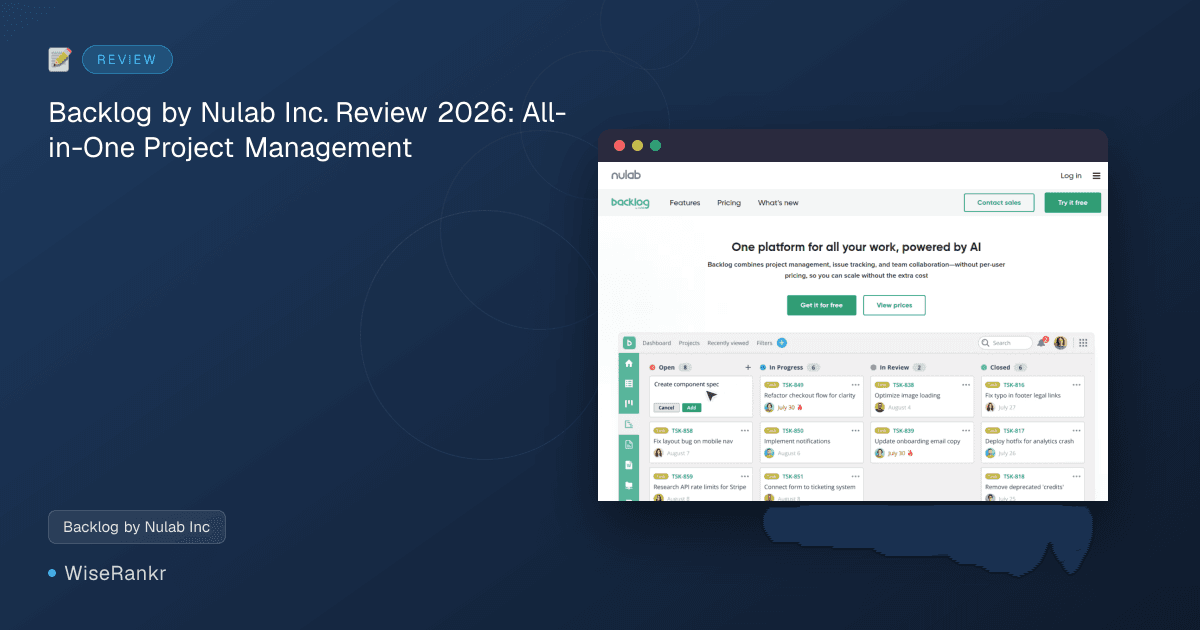
Backlog is positioned as a comprehensive project management solution that combines issue tracking, version control, and collaboration functionalities into a single platform. Developed by Nulab, it aims to simplify complex workflows without the per-user pricing model often found in enterprise tools. This approach allows teams to scale their user base without incurring additional costs, making it particularly appealing for growing organizations.
The platform boasts over 4 million users worldwide and emphasizes its utility for diverse teams, from developers tracking code and resolving bugs to marketers planning campaigns and designers collaborating on assets. A significant recent addition is the Backlog AI Assistant, designed to automate tasks, summarize information, and help teams focus on strategic decisions rather than administrative details.
Essential Features of Backlog by Nulab Inc.
Backlog offers a robust set of features tailored to various team needs, emphasizing visibility and streamlined workflows. Here’s a breakdown of its core functionalities:
Project Tracking and Visualization
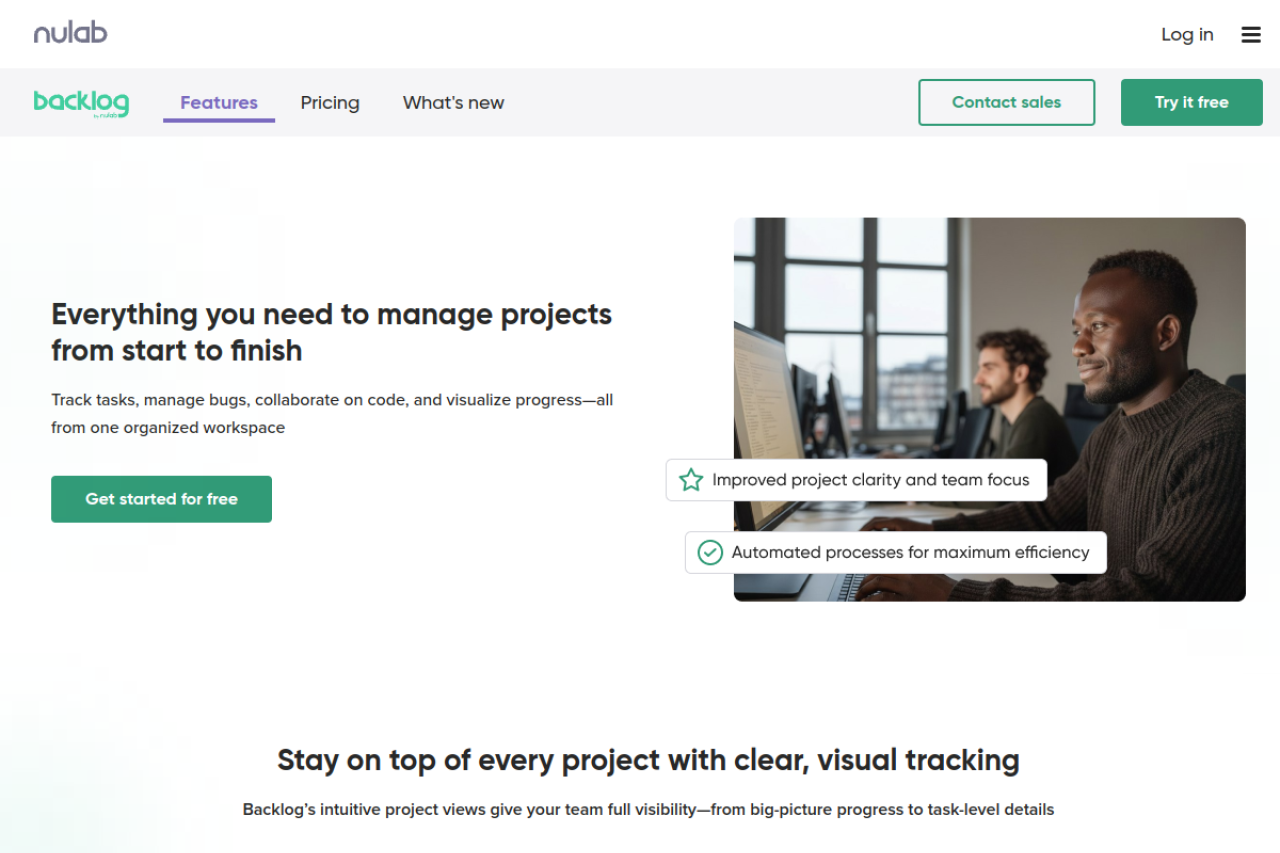
- Dashboard: Provides a real-time overview of all projects, tasks, and updates, enabling team leads and stakeholders to monitor progress efficiently.
- Gantt Chart: Essential for planning tasks, mapping dependencies, and tracking deadlines. This visual tool helps teams stay on schedule and adapt to timeline shifts.
- Kanban Board: A drag-and-drop interface for managing tasks, suitable for tracking dev sprints or cross-functional to-dos, promoting flexibility and focus.
- Burndown Charts: Visualizes remaining work in a sprint, helping teams identify blockers and adjust quickly to ensure timely completion.
Task and Issue Management
- Task Hierarchy: Allows for breaking down complex projects into manageable pieces, organizing work with parent tasks, subtasks, milestones, and versions.
- Custom Fields: Teams can capture specific data relevant to their workflow, such as priority level, device type, or customer ID, tailoring the platform to their unique requirements.
- Built-in Git & Subversion: Developers can track tasks, manage code, and resolve bugs within the same platform, reducing the need to switch between tools.
AI Assistant for Smarter Project Management
Backlog's AI Assistant is a notable addition, designed to enhance productivity by:
- Organizing data, creating summaries, and flagging important information.
- Retrieving context, files, and deadlines quickly, reducing search time.
- Generating daily to-do lists, allowing teams to move directly to execution.
Collaboration and Reporting
While the data doesn't explicitly detail every collaboration feature, the platform's emphasis on an "all-in-one" solution strongly implies robust communication and reporting functionalities to support team synergy and project oversight.
Backlog Pricing Plans
Backlog offers a flexible pricing structure, including a free tier and several paid plans, designed to accommodate teams of varying sizes and needs. Notably, it avoids per-user pricing, which can be a significant advantage for growing organizations.
Here are the available plans as of 2026:
- Free: $0/month. This plan includes 1 project, 100 MB storage, and access to Git & Subversion and the Board feature. It's ideal for individuals or very small teams getting started.
- Starter: $35/month. This tier expands capabilities with 5 projects, 1 GB storage, Git & Subversion, and the Board feature. It's suitable for small teams with a few active projects.
- Standard: $100/month. This popular plan offers 100 projects, 30 GB storage, Git & Subversion, Board, Subtasking, and Gantt charts (with a 6-month view).
- Premium: $175/month. For larger or more demanding teams, this plan provides unlimited projects, 100 GB storage, all Standard features, unlimited Gantt chart view, Custom fields, Dedicated support, and a complimentary 2,000 AI Assistant credits.
- Enterprise: Custom pricing. This top-tier plan includes everything in Premium, plus advanced security features like SAML Single Sign-On, SCIM, Audit logs, an Enterprise Customer Success Manager, and 2,000 complimentary AI Assistant credits. Contact sales for details.
AI Credit Packages are also available as add-ons:
- Complimentary: 2,000 credits (included with Premium and Enterprise plans).
- Light: $60/month for 2,000 credits.
- Basic: $130/month for 5,000 credits.
- Advanced: $210/month for 9,000 credits.
Visit backlog.com for the most current pricing and plan details.
User Reviews and Reputation
Backlog generally garners positive feedback from its user base, particularly for its comprehensive feature set and ease of use.
Positive Feedback
- Capterra users rate Backlog highly at 4.6 out of 5 stars. It has been recognized as a "Top Performer in IT Project Management" and an "Emerging Favorite in Project Tracking" in 2022. Users frequently praise its "Best Ease of Use Badge" in "Best Kanban Tool" and "Best Issue Tracking Software" (2023). Reviewers like Nap B. describe it as a "comprehensive project management tool that brings together all aspects of a project," enhancing "productivity and visibility." Getachew T. appreciates the task tracking, subtasks, milestones, and Gantt chart visualization for keeping projects organized, while Nchimunya L. highlights its simplicity and easy integration.
- G2 users also rate Backlog favorably, with an average of 4.5 out of 5 stars.
- On Product Hunt, Backlog holds a perfect 5 out of 5 stars.
- One case study from backlog.com/customers highlights Droisys's experience, reporting a 70% improvement in work performance and enhanced productivity due to Backlog's ability to facilitate collaboration across time zones.
Areas for Improvement
- Reddit threads and other forums suggest that Backlog's strong regional focus (particularly in Japan) might lead to slower feature evolution for global teams. This can mean that certain modern development trends or global collaboration needs might not be prioritized as quickly as in other tools.
- Some users point to Git Hosting Lock-In as a potential drawback, as Backlog includes its own Git hosting. This can be a limitation for teams already invested in or preferring platforms like GitHub, potentially leading to fragmented workflows or complex migrations.
- The user interface, while functional, might be perceived as having an aging interface by some, lacking modern developer experience features such as keyboard-first navigation or extensive dark mode support.
- While it offers "milestones," Backlog's sprint support can be basic for teams requiring advanced agile functionalities like true burndown charts that reflect actual sprint velocity.
Integrations
The provided data does not explicitly list direct third-party integrations for Backlog. However, its comparisons to other tools like Asana, Jira, and Trello suggest that it aims to be a self-sufficient, all-in-one platform, potentially reducing the need for extensive integrations for its core functionalities.
If specific integrations are critical for your workflow, it's recommended to visit backlog.com or contact their sales team for the most up-to-date information on supported integrations.
Pros and Cons
Pros
- All-in-One Solution: Combines project management, issue tracking, version control (Git/SVN), and team collaboration in one platform.
- No Per-User Pricing: Allows teams to scale users without increasing costs, making it cost-effective for growing teams.
- AI Assistant: Automates tasks, summarizes data, and helps with daily planning, boosting team efficiency.
- Comprehensive Visual Tracking: Features like Dashboard, Gantt Charts, Kanban Boards, and Burndown Charts provide clear project visibility.
- User-Friendly: Praised for its ease of use and intuitive interface, particularly for new users.
- Flexible Workflow Management: Supports task hierarchy and custom fields to adapt to diverse team needs.
- Strong for Development Teams: Built-in Git and Subversion support caters well to software development workflows.
Cons
- Git Hosting Lock-In: Bundled Git hosting might be restrictive for teams already using or preferring external Git platforms.
- Aging Interface: Some users might find the UI less modern compared to newer tools, potentially lacking advanced UX features.
- Basic Sprint Support: While offering milestones, advanced agile teams might find sprint management features less robust than dedicated agile tools.
- Regional Feature Evolution: Its strong focus on the Japanese market could lead to slower adoption of features relevant to global development trends.
- Limited Public Integrations: Specific third-party integrations are not explicitly listed in the provided data, which could be a drawback for some.
Who Is Backlog For?
Backlog by Nulab Inc. is ideally suited for small to mid-sized teams looking for a consolidated project management solution. Its no per-user pricing model makes it particularly attractive to growing organizations that want to avoid escalating costs as their team expands.
It's an excellent fit for:
- Software Development Teams: With integrated Git and Subversion, issue tracking, and bug resolution capabilities, developers can stay focused without switching tools.
- UX & Design Teams: Helps in planning sprints, collaborating on assets, and gathering feedback, ensuring designs align with product timelines.
- Marketing Teams: Useful for planning campaigns, assigning deliverables, and coordinating across teams for impactful initiatives.
- Small Businesses: Simplifies project management without a steep learning curve, allowing small teams to plan, assign, and track work efficiently.
- Teams Prioritizing Simplicity and All-in-One Functionality: Those seeking a single platform to manage tasks, code, and collaboration without the complexity of enterprise-level tools like Jira.
Alternatives to Backlog
Backlog positions itself against several well-known project management and collaboration tools. While it aims to be an all-in-one solution, its best alternatives often depend on specific team needs:
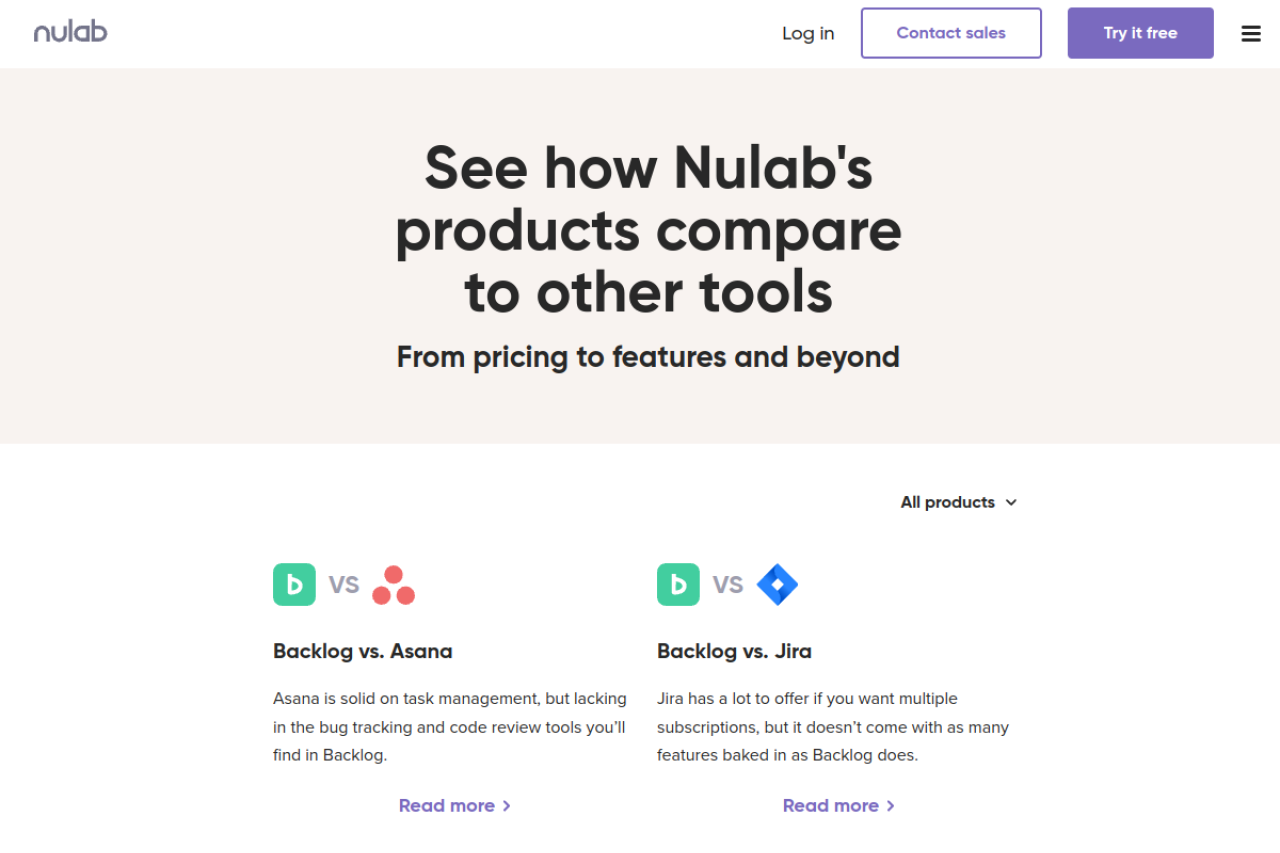
- Jira: Often seen as Backlog's direct competitor, especially for development teams. Backlog argues that Jira, while offering multiple subscriptions, doesn't come with as many features "baked in." Jira is generally more powerful for complex agile workflows and offers extensive integrations but can be more complex and expensive.
- Asana: Strong in task management and general project organization. Backlog claims Asana lacks the bug tracking and code review tools it offers, making Backlog more suitable for development-heavy teams.
- Trello: Excellent for visual task management with its Kanban boards. Backlog suggests Trello is limited for full-scale project management, bug tracking, and code review, where Backlog provides more comprehensive tools.
- Microsoft Project: A desktop-centric tool for traditional project management. Backlog highlights its lack of a convenient app and proper bug reporting compared to its own features.
- Todoist: Primarily a powerful list-making and personal task management tool. Backlog differentiates itself by offering bug tracking and code review alongside daily tasks.
- monday.com, Wrike, ClickUp, Basecamp, Bitrix24: These are other broad project management platforms that offer varying degrees of features, integrations, and pricing models. Teams seeking alternatives might compare Backlog's integrated Git/SVN and AI assistant against the specific strengths of these tools, such as advanced reporting, CRM features, or broader integration ecosystems.
When considering an alternative, assess whether your team prioritizes deep agile capabilities, extensive third-party integrations, or an all-in-one solution with built-in developer tools.
Verdict
Backlog by Nulab Inc. stands out as a compelling project management solution, especially for teams seeking an all-in-one platform without the burden of per-user pricing. Its integrated Git/SVN, robust issue tracking, and visual project management tools like Gantt charts and Kanban boards make it particularly strong for development-centric teams and small businesses needing comprehensive oversight.
The recent addition of the AI Assistant is a significant enhancement, promising to streamline administrative tasks and boost productivity. While some users might find the interface less cutting-edge or the sprint support basic compared to highly specialized agile tools, Backlog's commitment to ease of use and its focus on consolidating workflows are clear advantages.
For organizations prioritizing a unified workspace, cost-effective scalability, and strong built-in developer features, Backlog presents a powerful and intuitive option in 2026. However, teams deeply embedded in external Git ecosystems or requiring highly advanced, nuanced agile reporting might need to weigh its comprehensive features against these specific needs.