
Ignition Review 2026: Automate Agreements, Billing, and Payments for Professional Services
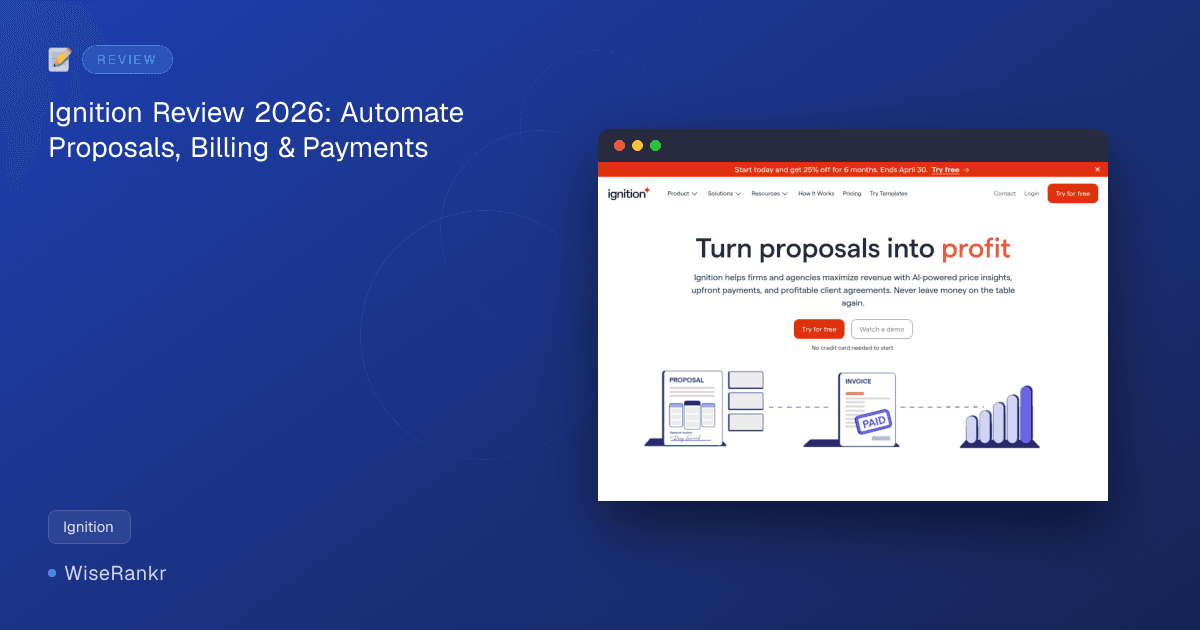
Are you an accounting firm or professional services agency tired of chasing payments and wrestling with manual proposals? In 2026, many businesses still struggle with inefficient client engagement workflows, leaving money on the table. Ignition aims to solve this by providing a comprehensive platform designed to automate agreements, streamline billing, and ensure timely payments.
But does Ignition truly deliver on its promise to help firms "turn proposals into profit"? This in-depth review will examine its features, pricing, user sentiment, and how it stacks up against competitors, helping you decide if it's the right investment for your business.
What is Ignition?
Founded in 2013, Ignition is a revenue and billing automation platform specifically tailored for professional services firms and agencies. It integrates proposals, invoicing, payments, and workflows into a single, AI-powered system. The core idea is to empower businesses to sell, bill, and get paid faster, maximizing revenue and improving cash flow.
With over 8,500 customers and 2.4 million clients engaged, Ignition customers have collectively earned over $13 billion in revenue through the platform, with 91% of payments collected automatically in 2025 alone. This suggests a strong track record in automating key financial processes.
Key Features of Ignition
Ignition offers a robust suite of features designed to cover the entire client engagement lifecycle, from lead capture to automated payment collection. Its focus is on streamlining operations for professional services businesses, particularly accounting and bookkeeping firms.
Comprehensive Proposal Management
Ignition allows you to create professional proposals that include detailed service descriptions, pricing, and engagement letters. Users on G2 specifically praise its document signing features (9.8/10) and contract management capabilities (9.3/10 for creation and editing). The platform supports customizability in document creation using variables and fields (9.1/10).
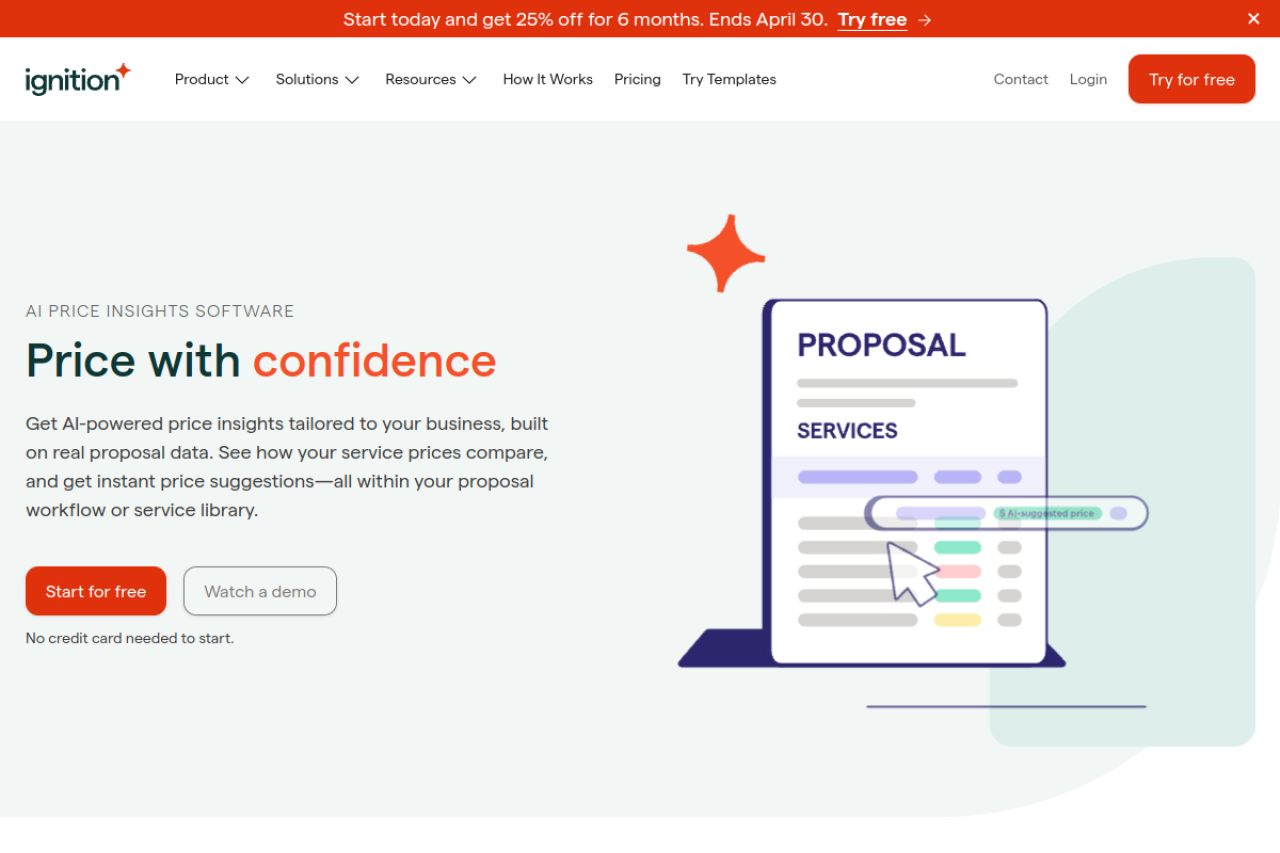
- AI-powered Price Insights: Leveraging real proposal data, this feature offers tailored pricing suggestions and comparisons within your workflow. Firms using Price Insights and increasing prices saw an average of 40% more revenue on reviewed services in 2026. You get 3 insights for free, with additional insights available as an annual add-on.
- Bulk Proposal Creation: Draft proposals for multiple clients efficiently from the Clients tab, saving significant time.
- Proposal Expiration Dates: Automatically set expiration dates on proposals to create urgency and improve forecasting accuracy.
- Additional Document Signatures: Collect signatures for multiple documents (e.g., tax consent, NDAs) within a single proposal and engagement letter workflow.
Automated Billing & Payments
This is where Ignition truly shines, aiming to eliminate the hassle of chasing accounts receivable. Users consistently highlight the platform's ability to collect payments automatically when clients sign proposals and handle recurring billing.
- Upfront Payments: Secure payments immediately upon proposal acceptance.
- Automated Recurring Billing: Set up and automate recurring invoices and payments, integrating with accounting software like Xero and QuickBooks.
- AutoCollect: Import unpaid invoices from QuickBooks Online or Xero, invite clients in bulk to pay online, and allow clients to pre-save payment methods for future transactions.
- Payment Processing: Highly rated at 9.5/10 by G2 users, enabling seamless credit card processing. Note that processing fees apply (1% + $0.30 per transaction for under $3,000, with a cap of $5 + 0.3% for overage on $3,000+).
- Simpler Billing for Out-of-Scope Work: As of March 2026, you can bill for out-of-scope work using one-off invoices or additional services that can be billed now, later, or on a recurring basis, without needing a full proposal.
Client Engagement & Workflow Automation
Beyond proposals and payments, Ignition helps manage the client journey and internal workflows.
- Client Onboarding with Forms: Capture leads and client information with customizable, branded online forms. Recent updates (January 2026) enhance form management with status tracking, filtering, export options, and re-send capabilities.
- Deals Pipeline: A centralized sales pipeline to track leads and opportunities. Features include deal priorities, inactivity alerts, deal value, win probability, and dashboard insights. Enhanced views (December 2025) offer improved filtering, list/board views, export options, and conversion metrics.
- Custom Branding: Full control over the client experience with custom domains for links and branded pitch decks/landing pages.
- Integration with Practice Management Software: Deep integrations with tools like Karbon, Financial Cents, CCH Axcess™, and Practice CS ensure client and project data remain synchronized.
- Bulk Price Updates: Effortlessly increase prices for multiple clients at once, simplifying renewals and ensuring pricing consistency. This also applies to updating service prices in the Service Library, which automatically propagates to active and future agreements.
Ignition Pricing Plans
Ignition offers four main pricing plans, catering to different sizes and needs of professional services firms. All plans come with a 14-day free trial, allowing full feature access and up to $10,000 in collected payments with zero processing fees, no credit card required.
It's important to note that payment processing fees (1% + $0.30 per transaction for under $3,000, with a cap of $5 + 0.3% for overage on $3,000+) apply to all plans and are billed monthly, in addition to the subscription cost.
| Plan Name | Annual Billing Price | Monthly Billing Price | Key Features & Limitations | Best For |
|---|---|---|---|---|
| Solo | $39/mo billed annually | ~$49/mo | 1 user, 20 active clients, 1 e-signature per proposal. Requires annual revenue under $150K and mandates connecting Xero or QuickBooks Online. | Solopreneurs or very small firms with annual revenue under $150K. |
| Core | $99/mo billed annually | ~$149/mo | 3 users, 50 active clients, single e-signature per proposal. Lacks advanced recurring billing automation, flexible payment schedules, and bulk renewals. | Small agencies and growing firms needing basic proposal and payment automation. |
| Pro | $229/mo billed annually | ~$279/mo | 15 users, 350 active clients, up to 2 e-signatures per proposal. Includes Deals Pipeline. | Established firms requiring advanced automation and team collaboration. |
| Pro+ | $399/mo billed annually | ~$499/mo | Unlimited users, 600 active clients, up to 10 e-signatures per proposal. Includes Deals Pipeline. | Larger firms with complex workflows and a high volume of clients. |
Add-ons:
- Deals Pipeline: $49/month (included in Pro+ plan).
- Online Forms: $39/month.
- AI-powered Price Insights: Get 3 insights for free, then available as an annual add-on (e.g., $349 billed annually upfront for 200 price insights in the US).
Custom enterprise pricing is available for very large organizations. Visit ignitionapp.com for the most current pricing details.
User Reviews & Public Sentiment
Ignition generally receives positive feedback, particularly for its ability to automate and streamline client engagement and payment processes. However, like any tool, it has its areas for improvement.
Positive Feedback
- G2: With a strong 4.7/5 rating from 75 reviews, users frequently highlight Ignition's document signing (9.8/10), quality of support (9.5/10), and contract management features (9.3/10). Credit card processing is also highly rated at 9.5/10. Users praise its ability to collect payments upon proposal signing and manage recurring billing.
- Capterra: A 4.6/5 rating from 143 reviews, with reviewers consistently calling out the "stellar support team."
- Trustpilot: While the overall rating is 3.9/5 from 36 reviews, many positive comments praise the platform for streamlining billing, eliminating the need to chase payments, and improving cash flow. Users appreciate the automated client engagement and the significant time savings. For example, one user mentioned, "My admin time in chasing clients for payments are now NIL and it’s saved me peace of mind."
Areas for Improvement & Complaints
- Cost: Some users find Ignition's pricing, especially for higher tiers and with the added payment processing fees, to be on the higher side, particularly for solo practitioners or smaller firms.
- Refund Processing: A recurring complaint across various platforms, including Trustpilot and Software Advice, is the inability to issue refunds directly within Ignition. Users report delays of 7+ business days for Ignition to process refunds, leading to manual workarounds and potential client dissatisfaction.
- Limited Customization: Users sometimes express a desire for more flexibility in proposal design, static contract language, and formatting to create more visually unique or bespoke documents. One user noted issues with un-editable default wording on client-facing documents.
- Reporting Features: Some feedback suggests that Ignition's reporting capabilities could be more robust, with limited depth and missing CRM connections, requiring users to consult multiple systems for comprehensive financial tracking.
- Smartphone App: The absence of a dedicated mobile application is a drawback for users who need to manage aspects of their client engagement on the go.
- Integration Quirks: While integrations are a strong suit, occasional issues with recurring dates and budgets have been reported when integrating with practice management systems like XPM.
- Feature Gaps on Lower Tiers: Essential features like approval workflows, comprehensive proposal analytics, multiple signature options, and smoother change-order handling are often locked behind more expensive plans, potentially forcing smaller firms to upgrade sooner.
Reddit discussions for "Ignition" primarily refer to a gambling platform or industrial automation software, so direct user feedback for ignitionapp.com on Reddit is scarce.
Integrations
Ignition prides itself on its deep integrations, especially within the accounting and professional services ecosystem. This allows for a more seamless workflow and data synchronization across your tech stack.
Key integrations include:
- Accounting Software: Xero, QuickBooks Online, Sage (UK only)
- Practice Management: Karbon, Financial Cents, CCH Axcess™, Practice CS
- Tax Software: ProConnect (enhanced import, filtering, and real-time sync)
- Communication: Slack (real-time notifications for client activity)
These integrations are crucial for automating workflows, ensuring data consistency, and reducing manual data entry between systems. For instance, the Karbon and Financial Cents integrations allow for automatic client and contact creation/linking and triggering mapped projects directly from proposal acceptance.
Pros & Cons of Ignition
Pros:
- Automated Payments: Excellent for securing upfront payments and automating recurring billing, significantly improving cash flow and reducing accounts receivable.
- Streamlined Client Engagement: Simplifies the entire process from proposal creation to e-signature and payment collection.
- AI-powered Price Insights: Helps firms optimize pricing strategies based on real data, potentially boosting revenue.
- Strong Integrations: Deep connections with popular accounting and practice management software (Xero, QuickBooks, Karbon, etc.).
- High User Satisfaction (Support & Core Features): Users consistently praise the quality of support, document signing, and credit card processing features.
- Workflow Automation: Features like bulk proposal creation, bulk price updates, and automated onboarding forms save significant administrative time.
Cons:
- High Cost: Can be expensive, especially for smaller firms or solo practitioners, with additional payment processing fees.
- Refund Processing Issues: Inability to process refunds directly within the platform and reported delays are a notable pain point.
- Limited Customization: Some users desire more flexibility in proposal design and static contract language.
- Basic Reporting: Reporting features could be more robust, lacking deeper CRM connections for comprehensive insights.
- No Dedicated Mobile App: Limits on-the-go accessibility and management.
- Feature Gating: Key features are often reserved for higher-tier plans, potentially forcing upgrades.
- Default Wording: Un-editable default wording on client-facing documents can sometimes be confusing.
Who Is Ignition For?
Ignition is primarily designed for professional services firms and agencies, with a strong emphasis on accounting and bookkeeping practices. It's particularly well-suited for:
- Growing Firms: Businesses looking to scale their operations by automating client onboarding, proposal generation, and recurring billing.
- Firms Focused on Cash Flow: Those struggling with late payments and wanting to secure upfront payments and consistent recurring revenue.
- Practices Using Xero or QuickBooks: Firms already integrated with these accounting platforms will find Ignition's deep integrations highly beneficial.
- Businesses Seeking Efficiency: Any firm aiming to reduce administrative overhead associated with manual proposals, invoicing, and payment chasing.
While the Solo plan caters to solopreneurs under $150K annual revenue, the higher tiers are geared towards established firms with larger client bases and more complex needs.
Ignition Alternatives
Ignition operates in a competitive landscape, with several tools offering overlapping or specialized functionalities. Here's how it compares to some key alternatives:
- PandaDoc: A broader document automation platform for sales across various industries. PandaDoc offers more general document flexibility, templates, and CRM integrations (Salesforce, HubSpot). Ignition, however, excels in automated payment collection, recurring billing, engagement letter compliance, and accounting-specific integrations. PandaDoc is generally better for sales-heavy organizations, while Ignition is purpose-built for finance professionals.
- HoneyBook: Targets freelancers and creative professionals, offering a stronger built-in CRM, pipeline management, and client portals at a lower price point. Ignition provides superior customer support and more robust automated payment collection, making it a better fit for accounting firms with a significant number of recurring clients.
- Better Proposals: A more affordable option focused purely on creating beautiful proposals with strong design templates and analytics. It lacks the automated payment collection and engagement letter compliance features that are central to Ignition. Choose Better Proposals if only proposal aesthetics and tracking are your priorities, without the billing automation.
- FigsFlow: A newer, niche competitor specifically for accountancy firms, focusing on proposal creation and accounting-specific pricing tools. Its feature set and integration ecosystem are still maturing compared to Ignition's established platform. Ignition remains the safer, more scaled solution for now.
- Proposify: Another strong proposal-focused tool, emphasizing design, collaboration, and buyer engagement, with flexible design control and interactive pricing. Proposify is ideal for firms prioritizing proposal performance, brand control, and CRM-driven visibility, while Ignition prioritizes the payment workflow.
Other alternatives mentioned include Xero, Rev.io PSA, Odoo, QuickFee, and general e-signature tools like DocuSign.
Final Verdict
Ignition stands out as a powerful and highly effective platform for professional services firms, particularly within the accounting and bookkeeping sectors, seeking to automate their client engagement, billing, and payment processes. Its ability to collect payments upfront and manage recurring revenue automatically is a game-changer for cash flow, as evidenced by user testimonials and the impressive $3.1 billion in revenue processed in 2025.
The AI-powered Price Insights and recent enhancements like bulk price updates and simplified out-of-scope billing demonstrate Ignition's commitment to helping firms maximize profitability. The deep integrations with industry-standard accounting and practice management software further solidify its position as a central hub for professional operations.
However, the platform's cost can be a barrier for smaller firms, and the reported issues with refund processing are a significant concern that Ignition needs to address. While customization options have improved, some users still desire more flexibility. Despite these drawbacks, the overall value proposition for firms looking to scale, improve efficiency, and ensure consistent revenue collection is strong.
If your firm is looking to eliminate manual proposal work, reduce payment chasing, and integrate your client engagement workflow seamlessly with your existing accounting and practice management tools, Ignition is a top contender. We recommend taking advantage of the 14-day free trial to assess its fit for your specific needs.
Frequently Asked Questions (FAQs)
Q: What is Ignition primarily used for?
A: Ignition is primarily used by professional services firms and agencies, especially accounting and bookkeeping practices, to automate client proposals, engagement letters, recurring billing, and payment collection. Its goal is to streamline the entire client lifecycle from agreement to payment.
Q: How much does Ignition cost per month?
A: Ignition's pricing varies based on the plan and billing cycle. For annual billing, plans range from $39/month (Solo) to $399/month (Pro+). Monthly billing is available at a higher rate (e.g., Solo is ~$49/month). Additionally, payment processing fees of 1% + $0.30 per transaction apply.
Q: Does Ignition integrate with Xero or QuickBooks?
A: Yes, Ignition offers deep integrations with both Xero and QuickBooks Online. These integrations allow for automated invoicing, client synchronization, and streamlined payment reconciliation directly within your preferred accounting software.
Q: Can I process refunds directly within Ignition?
A: Currently, users cannot process refunds directly within the Ignition platform. Refunds must be handled externally, and users have reported delays of 7+ business days when Ignition processes refunds, which can be a point of frustration.