Zapier vs Airtable: Automating Workflows and Managing Data in 2026
Are you struggling to connect your disparate business applications or looking for a more robust way to manage your project data? In the fast-evolving landscape of no-code and low-code solutions, understanding the distinct roles of tools like Zapier and Airtable is crucial. While both are powerful platforms designed to streamline operations, they serve fundamentally different purposes.
This comparison will delve into Zapier vs Airtable, exploring their core functionalities, pricing structures, and ideal use cases. By the end, you'll have a clear understanding of which tool, or perhaps both, can best empower your team's productivity in 2026.
Overview of Each Tool
Zapier: The Workflow Automation Powerhouse
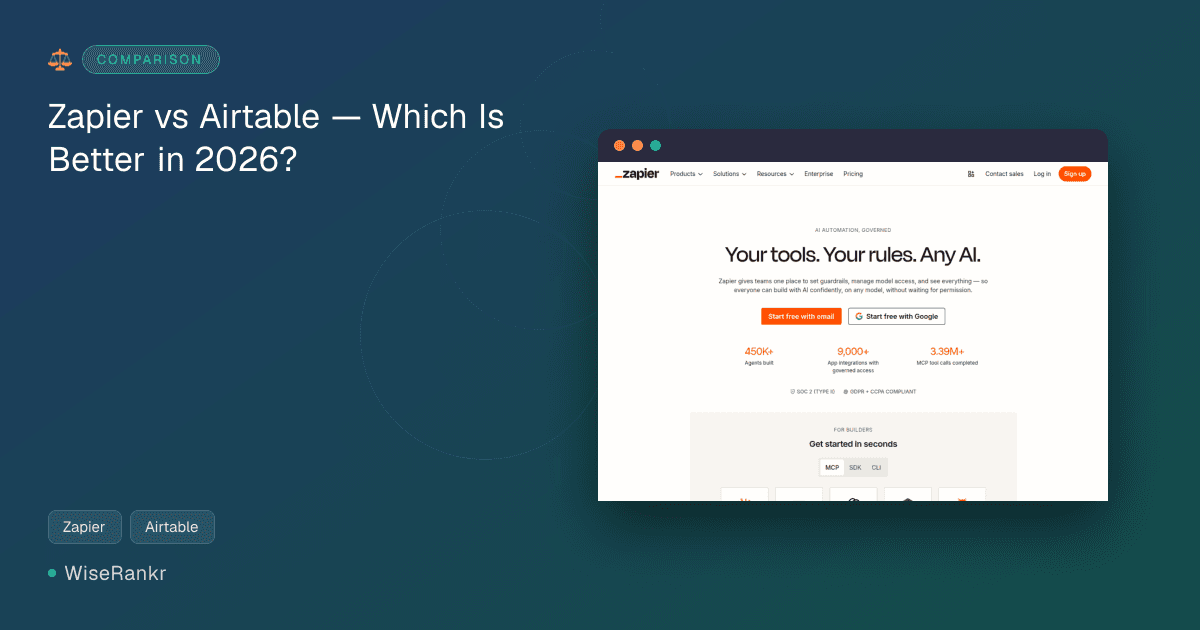
Zapier is an online automation tool that specializes in connecting over 9,000 different applications. Its primary function is to automate repetitive tasks between these apps without requiring any coding. Think of it as the central nervous system for your digital tools, enabling data to flow seamlessly between them based on predefined triggers and actions.
In 2026, Zapier has heavily leaned into AI, offering AI-powered Zap builders, automation suggestions, and even AI agents for autonomous task execution. It's designed for anyone looking to automate workflows, from individual users to large enterprises, with a strong emphasis on integration and AI orchestration.
Direct competitors in the automation space include Make.com and n8n, which users often consider as alternatives, particularly for complex logic or when cost at scale becomes a significant factor.
Airtable: The Collaborative Database Platform
Airtable is a low-code platform that brilliantly merges the flexibility of a spreadsheet with the power of a relational database. It allows teams to organize, manage, and collaborate on virtually any type of data, from project schedules to inventory lists. Airtable is less about connecting apps and more about providing a central, highly customizable hub for structured information.
Airtable has also embraced AI, offering AI agents for automated workflows, conversational building to generate apps, and the ability to embed intelligence into every workflow. Its focus is on building enterprise-ready AI workflows, apps, and agents, making it ideal for teams needing sophisticated data management and application development without extensive coding.
Key competitors for Airtable in the collaborative database and low-code app development space include SmartSuite, Stackby, Baserow, and Grist, with some overlap into project management tools like ClickUp and Monday.com.
Zapier vs Airtable: Feature Comparison
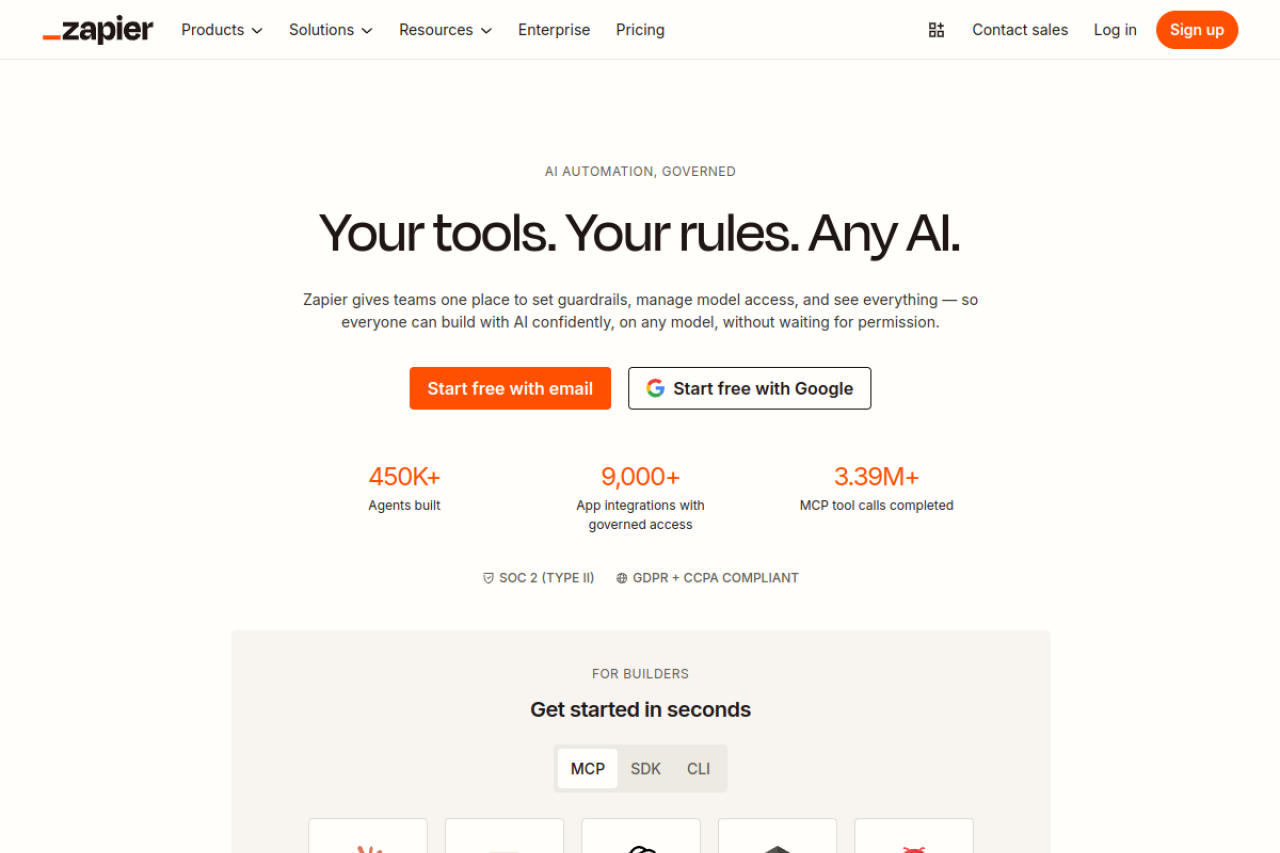
While both tools aim to improve efficiency, their core feature sets cater to different needs. Here’s a direct comparison of their overlapping capabilities:
| Feature | Zapier | Airtable |
|---|---|---|
| Core Function | Automates workflows between 9,000+ apps. | Collaborative database for organizing and managing data. |
| AI Capabilities | AI-powered Zap builder, automation suggestions, AI agents for autonomous task execution, AI orchestration plans. | AI agents for automated workflows, conversational building for apps, embed intelligence dynamically, HyperDB with AI model integration (OpenAI, Gemini, Llama, Anthropic). |
| No-code/Low-code | No-code automation for integrations. | Low-code platform for building collaborative apps and managing data. |
| Workflow Builder | Multi-step workflows with conditional logic. | Visual workflow builder with drag-and-drop interface, sophisticated workflows in minutes. |
| Data Management | Includes Tables and Forms for structured data within Zaps. | Flexible views (grid, Kanban, Gantt, calendar), HyperDB with record limits in hundreds of millions. |
| Integrations | Connects over 9,000 apps via Zaps. | 1,000+ app integrations. |
| Security & Compliance | SOC 2 (Type II), GDPR + CCPA compliant. | ISO, HIPAA, SOC 2, no customer data retained/used to train AI models, models run in Airtable’s AWS environment, EKM, data loss prevention, audit logs. |
Pricing Comparison
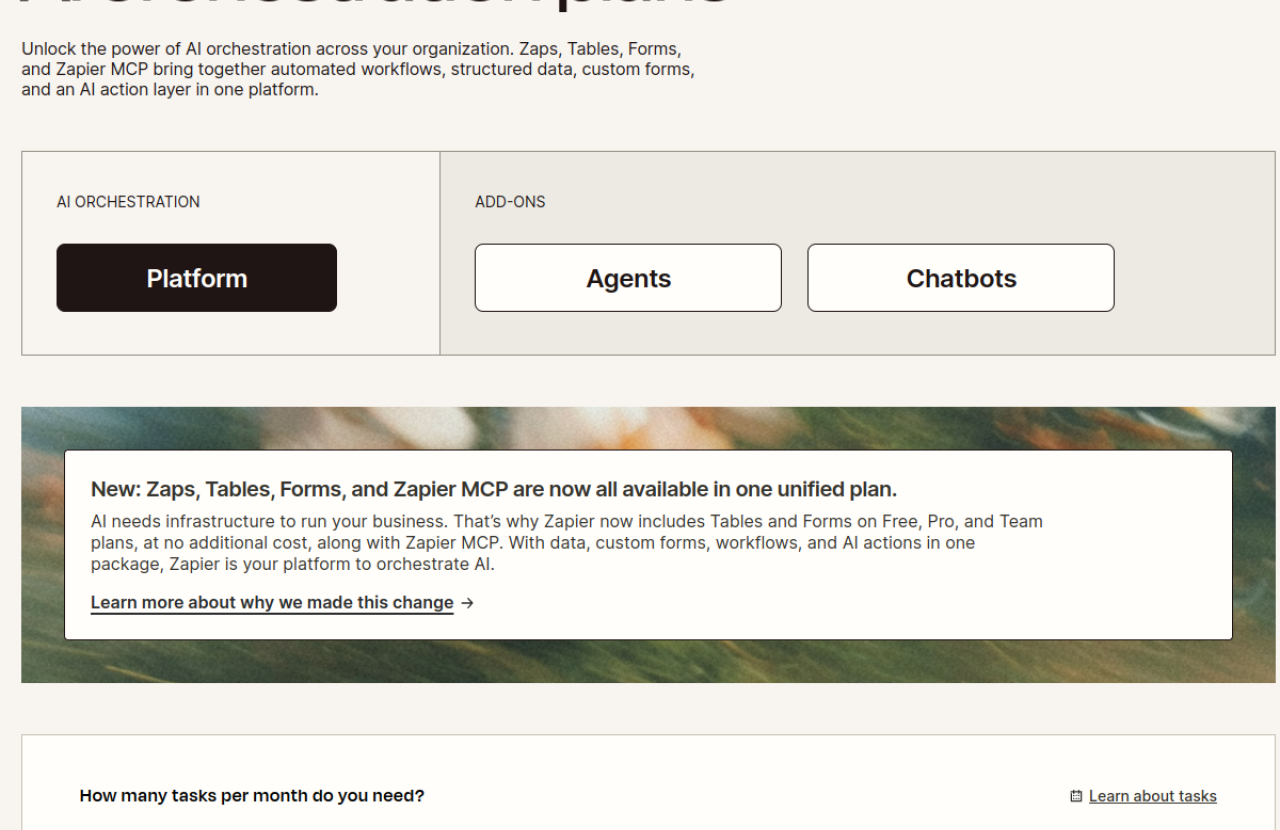
Understanding the pricing models for Zapier and Airtable is crucial, as both can become significant investments depending on scale and usage. Both offer free plans, but their paid tiers scale differently.
Zapier Pricing Plans
Zapier's pricing is primarily based on the number of "tasks" executed per month, with Zaps, Tables, and Forms now bundled into all plans. They offer flexible task tiers.
- Free Plan: $0/mo. Includes 100 tasks per month, Unlimited Zaps, Tables, and Forms. This plan is very limited, offering only 2 steps per Zap, a 15-minute polling interval, and locking premium apps, webhooks, filters, paths, and formatter features.
- Professional Plan: Starts at $19.99/mo billed annually (for 750 tasks/mo). This plan unlocks multi-step Zaps, premium apps, webhooks, filters, paths, formatter, 2-minute polling, and autoreplay. Task tiers go up to 2M+ tasks/month, with prices increasing significantly with task volume.
- Team Plan: Starts at $69/mo billed annually. This plan includes collaboration features and further scales task limits.
- Enterprise Plan: Contact sales for custom pricing. This plan is for organizations requiring advanced governance, security, and dedicated support.
Target Audience for Pricing: The Free plan is suitable for individuals with very basic automation needs. The Professional plan targets small to medium businesses with growing automation requirements. The Team and Enterprise plans are designed for larger organizations needing extensive automation, collaboration, and robust security features.
Airtable Pricing Plans
Airtable's pricing is based on a per-collaborator (user with edit permissions) model, with tiers for records per base and automation runs.
- Free Plan: $0/mo. Includes up to 5 collaborators with edit permissions, 50 users with commenter permissions, and caps at 1,000 records per base.
- Team Plan: $20/mo per collaborator billed annually ($24/mo billed monthly). This plan caps at 50,000 records per base and 25,000 automation runs/month, with 20GB attachment storage per base.
- Business Plan: $45/mo per collaborator billed annually ($54/mo billed monthly). This plan provides up to 125,000 records per base, 100,000 automation runs/month, and 100GB attachment storage per base. It requires private email domains.
- Enterprise Scale Plan: Custom pricing (contact sales). This plan offers unlimited org units, workspaces, and bases, 25,000 AI credits per paid user/month, and enterprise-grade security and administration features.
Target Audience for Pricing: The Free plan is ideal for individuals or very small teams starting out. The Team plan is for small to mid-sized teams building custom applications and needing more records and automation. The Business plan targets larger teams and departments requiring advanced features and higher limits. The Enterprise Scale plan is designed for large corporations needing extensive scalability, security, and custom solutions.
Important Note: Airtable charges per seat for users with edit permissions. Hitting record or automation limits on lower plans often forces an upgrade to a significantly more expensive tier, which users on Reddit have criticized as "Predator Pricing."
Pros and Cons
Zapier Pros and Cons
Pros:
- Vast Integration Library: Connects to over 9,000 apps, making it incredibly versatile for almost any tech stack.
- No-Code Automation: Allows users to automate complex workflows without writing a single line of code.
- AI Capabilities: AI-powered builders and agents enhance automation, offering smart suggestions and autonomous task execution.
- Reliability: Users on G2 and GetApp often praise its reliability and time-saving benefits.
- Unified Platform: Now includes Zaps, Tables, and Forms in one package, offering a more comprehensive automation solution.
Cons:
- Cost at Scale: Reddit users frequently mention "rage-quitting Zapier" due to prohibitive pricing as task volumes increase. This is the most frequently cited weakness.
- Limited Free Plan: The Free plan has significant limitations (100 tasks/month, 2 steps per Zap, no premium features), often requiring users to upgrade quickly.
- Customer Service Concerns: Trustpilot reviews highlight dissatisfaction with customer service, citing unhelpful and slow responses.
- Complexity for Advanced Logic: While multi-step workflows exist, users report limitations with highly complex conditional logic compared to alternatives.
Airtable Pros and Cons
Pros:
- Flexible Database Structure: Combines spreadsheet familiarity with database power, offering intuitive visual interfaces.
- Collaborative Environment: Excellent for team collaboration on data and projects.
- Visual App Building: Low-code platform for creating custom applications with drag-and-drop ease.
- AI Integration: Embeds intelligence directly into workflows and offers AI agents for dynamic record management.
- Robust Security: Enterprise-grade security and compliance (ISO, HIPAA, SOC 2) with strong data privacy assurances.
Cons:
- Pricing Scales with Users: Charges per collaborator, which can become expensive for larger teams, as noted by Reddit users.
- Performance Issues with Large Datasets: Users report slowdowns and performance problems when bases exceed 10,000 records or use complex formulas.
- Record Limits & Forced Upgrades: Hitting record or automation limits often necessitates an upgrade to a much more expensive plan, with no overage options.
- Trustpilot Concerns: Significantly lower ratings on Trustpilot, with complaints about sales practices, billing, and performance after AI introduction.
Who Should Use Which Tool?
Choose Zapier if:
- Your primary need is to automate tasks and transfer data between a wide array of different applications.
- You want to streamline repetitive processes without writing code, connecting tools like your CRM, email marketing, project management, and communication apps.
- You're looking for AI-powered assistance in building and suggesting automations, or need AI agents to execute tasks autonomously across your existing software ecosystem.
- Your workflow involves triggers in one app leading to actions in others, such as automatically adding new leads from a form to your CRM and notifying your sales team in Slack.
Choose Airtable if:
- You need a central, highly organized database to manage projects, content, inventory, customer data, or any structured information collaboratively.
- You want to build custom, low-code applications for your team's specific workflows, leveraging a flexible data structure.
- You require robust visual tools like Kanban boards, Gantt charts, or calendars to visualize and manage your data.
- You are looking to embed AI intelligence directly into your data management and workflow processes, utilizing AI to analyze records or generate content based on your structured data.
Consider Using Both Zapier and Airtable if:
Many businesses find immense value in using Zapier and Airtable together. Airtable can serve as your central, structured database for all your information, while Zapier acts as the bridge, automating the flow of data into and out of Airtable from your other applications. For instance:
- Use Zapier to automatically add new form submissions (from Typeform, Google Forms, etc.) into an Airtable base.
- Create Zaps that trigger actions in other apps (e.g., sending an email, posting to Slack) when a record in Airtable is updated or created.
- Leverage Airtable's structured data for project management and then use Zapier to integrate with your communication or reporting tools.
This combined approach allows you to harness Airtable's powerful data organization and app-building capabilities with Zapier's extensive cross-application automation.
The Verdict
In 2026, Zapier and Airtable stand as leading no-code/low-code solutions, each excelling in its domain. Zapier is the undisputed champion of app-to-app workflow automation, offering unparalleled integration breadth and increasingly sophisticated AI orchestration. It's the go-to for ensuring your various tools "talk" to each other seamlessly. However, users should be mindful of its cost at higher task volumes and the limitations of its free tier.
Airtable, on the other hand, is a powerhouse for collaborative data management and low-code application building. It excels at providing a flexible, visual, and AI-enhanced platform for teams to organize and operationalize their information. Its strength lies in transforming raw data into actionable insights and custom workflows. Pricing, particularly for larger teams or high record counts, and potential performance issues with massive datasets are considerations.
Ultimately, these tools are not direct competitors but rather complementary solutions. The "best" tool depends entirely on your primary need. If you need to automate processes between many different applications, choose Zapier. If you need to organize, manage, and build custom apps around your structured data, choose Airtable. For maximum efficiency and a truly integrated ecosystem, leveraging both Zapier and Airtable often provides the most comprehensive solution.
FAQ: Frequently Asked Questions
Is Zapier a database?
No, Zapier is primarily an automation tool that connects different applications. While it now includes "Tables" as part of its offering, these are designed to store structured data for use within Zapier's automation workflows, not as a standalone, full-fledged collaborative database like Airtable. Visit Zapier.app for details.
Is Airtable an automation tool?
Yes, Airtable includes built-in automation capabilities that allow you to automate tasks within a base or between Airtable and other integrated apps. It also offers AI agents for automated workflows. However, its core strength is as a collaborative database and low-code app builder, with automations serving to enhance data management rather than connect a vast external app ecosystem like Zapier.
Can I use Zapier and Airtable together?
Absolutely! Using Zapier and Airtable together is a common and powerful strategy. Airtable can act as your central data hub, and Zapier can automate the flow of information into and out of Airtable from thousands of other applications, creating highly customized and efficient workflows.
Which is better for small businesses: Zapier or Airtable?
The "better" tool depends on the small business's primary need. If the business needs to connect various software tools (CRM, email, social media) to automate tasks, Zapier is likely more beneficial. If the business needs a flexible way to manage projects, customer data, or inventory collaboratively without extensive coding, Airtable is the stronger choice. Many small businesses benefit most from using both in tandem.
``` ```json { "seoTitle": "Zapier vs Airtable: Workflow Automation & Data Management in 2026", "seoDescription": "Compare Zapier vs Airtable for 2026: Discover which tool best suits your needs for workflow automation or collaborative data management. Includes pricing and features.", "excerpt": "In 2026, Zapier and Airtable are leading no-code/low-code solutions, but they serve fundamentally different purposes. Zapier excels at connecting over 9,000 apps for workflow automation, while Airtable provides a powerful collaborative database for managing structured data and building custom applications. This guide breaks down their features, pricing, and ideal use cases to help you decide.", "targetKeyword": "Zapier vs Airtable", "faq": [ { "question": "Is Zapier a database?", "answer": "No, Zapier is primarily an automation tool that connects different applications. While it now includes 'Tables' for structured data within its workflows, it is not a standalone, full-fledged collaborative database like Airtable." }, { "question": "Is Airtable an automation tool?", "answer": "Yes, Airtable includes built-in automation capabilities and AI agents to automate tasks within its bases and integrated apps. However, its core strength lies in collaborative database management and low-code app building." }, { "question": "Can I use Zapier and Airtable together?", "answer": "Absolutely! Using Zapier and Airtable together is a common and powerful strategy. Airtable can serve as your central data hub, and Zapier can automate the flow of information into and out of Airtable from thousands of other applications." }, { "question": "Which is better for small businesses: Zapier or Airtable?", "answer": "The 'better' tool depends on the small business's primary need. Zapier is ideal for automating tasks between various software tools, while Airtable is stronger for flexible, collaborative data management and custom app building. Many small businesses benefit most from using both in tandem." } ] }