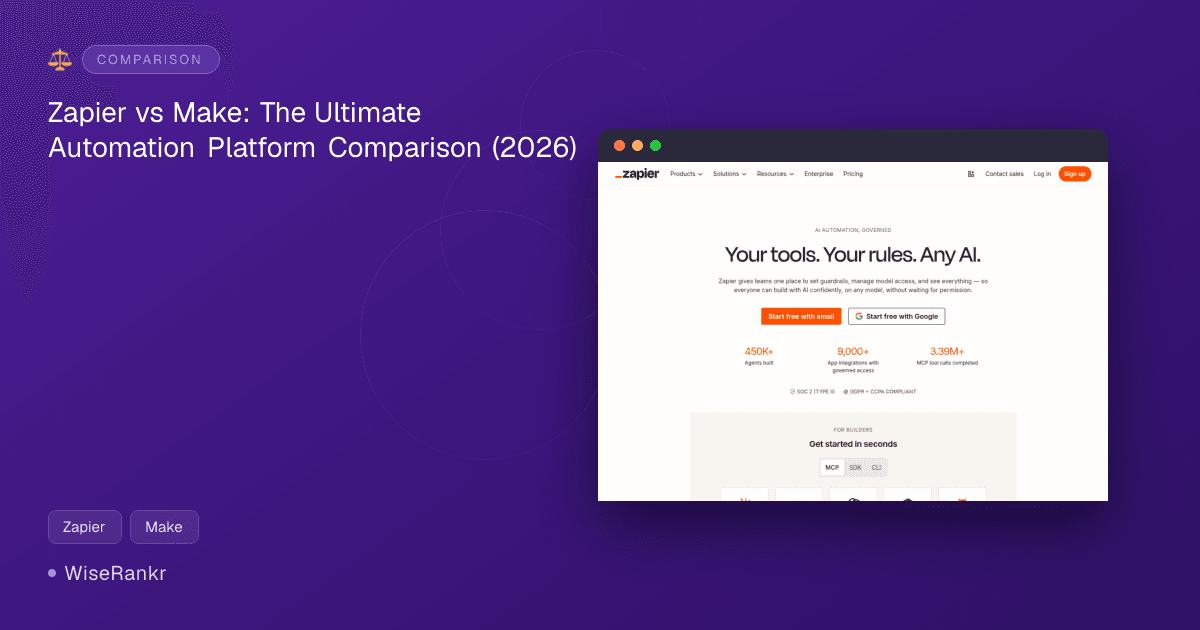
Zapier vs. Make: The Ultimate Automation Showdown for 2026
Are you drowning in manual tasks, wishing there was a magic wand to automate your workflows? In 2026, the no-code automation landscape is more robust than ever, with tools like Zapier and Make leading the charge. But which one is the right fit for your business needs?
This comparison dives deep into Zapier vs Make, two powerful platforms designed to connect your apps and streamline operations. While both aim to eliminate repetitive work, they cater to slightly different user profiles and automation complexities. Let's explore their strengths, weaknesses, and ideal use cases to help you make an informed decision.
Zapier Overview: The AI-Powered Orchestrator
Zapier is a household name in workflow automation, renowned for its extensive app integrations and user-friendly interface. In 2026, Zapier has heavily leaned into AI, positioning itself as an "AI orchestration platform" that brings together AI workflows, agents, and apps.
It's designed for users who want to connect over 9,000 apps and automate tasks without writing a single line of code. Its recent enhancements include AI-powered Zap builders, automation suggestions, and AI agents for autonomous task execution. Zapier also emphasizes centralized governance and audit trails, making it appealing for teams and enterprises managing AI model access and usage.
Zapier's Market Positioning and Key Features
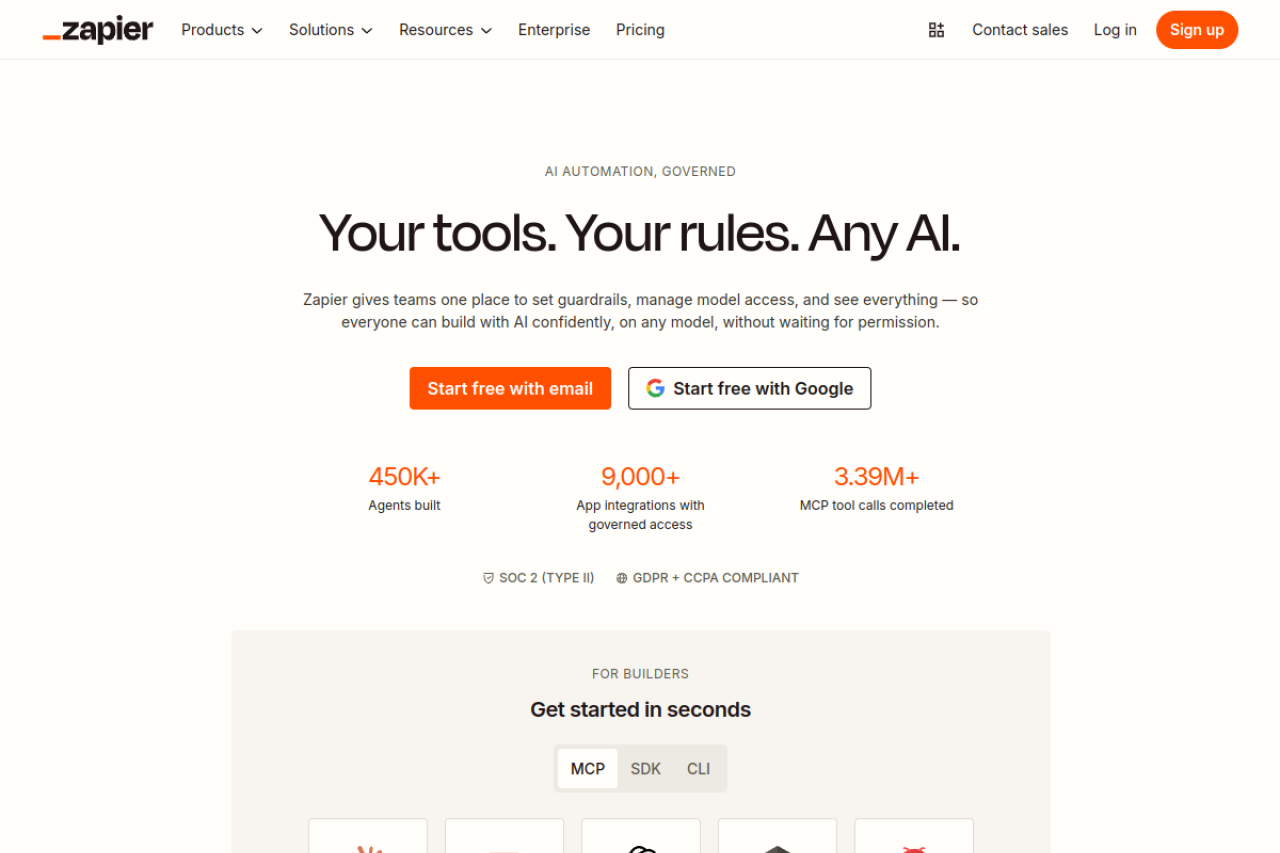
Zapier targets a broad audience, from individual entrepreneurs to large enterprises, with a strong focus on ease of use for non-technical users. Its platform now unifies Zaps, Tables, Forms, and Zapier MCP (Machine Learning Connector Platform) into one cohesive offering.
- Connects over 9,000 apps: Unparalleled integration breadth.
- AI-powered Zap builder and automation suggestions: Simplifies workflow creation.
- Multi-step workflows with conditional logic: Enables sophisticated automation sequences.
- Centralized governance and audit trails: Crucial for team and enterprise AI management.
- AI agents for autonomous task execution: A cutting-edge feature for hands-off automation.
- SOC 2 (Type II), GDPR + CCPA compliant: Addresses critical security and privacy concerns.
Competitors in Zapier's space include tools like IFTTT for simpler personal automations, and some of the more advanced features overlap with platforms like Tray.io for enterprise integration needs.
Make Overview: The Visual Automation Canvas
Make, formerly Integromat, is a visual platform that empowers users to design, build, and automate complex workflows using a drag-and-drop interface. It stands out with its node-based visual builder, which allows for intricate logic and detailed data transformation.
Make is often lauded for its ability to handle more complex scenarios than traditional IF-THEN automations, providing a deeper level of control over data flow. It's ideal for those who appreciate a visual representation of their automation logic and need robust data manipulation capabilities.
Make's Market Positioning and Key Features
Make targets users who need highly customized and visually represented automations, often appealing to those with a slightly more technical inclination or a desire for granular control. It supports a wide range of integration types and is known for its flexibility.
- Visual workflow builder with nodes and connectors: Offers a clear, interactive canvas for building.
- Support for complex logic and data transformation: Excellent for intricate data handling.
- 3,000+ app integrations: A substantial number, though less than Zapier.
- Scheduling, webhooks, and real-time triggers: Provides diverse initiation options for workflows.
- Low-code options for advanced customization: Allows for deeper technical intervention when needed.
Key competitors for Make include n8n, which offers similar visual workflow building and extensive customization, especially with self-hosting options, and sometimes even tools like Microsoft Power Automate for enterprise-level process automation.
Feature Comparison: Zapier vs Make
When comparing Zapier vs Make, it's essential to look at how their core features stack up for different automation needs.
| Feature | Zapier | Make |
|---|---|---|
| App Integrations | 9,000+ apps with governed access | 3,000+ app integrations |
| Workflow Design | AI-powered Zap builder, Multi-step Zaps with conditional logic | Visual workflow builder with nodes and connectors, Drag-and-drop interface |
| AI Capabilities | AI-powered Zap builder, automation suggestions, AI agents for autonomous task execution, MCP tool calls | Visit Make.com for details (AI features not explicitly detailed in provided data) |
| Data Handling | Built-in Tables and Forms, AI fields | Support for complex logic and data transformation, module-based data mapping |
| Ease of Use | Intuitive for non-technical users, "start in seconds" | User-friendly to start, but can be "complicated to work with" for advanced use; "High friction UI" reported by some users |
| Governance & Security | Centralized governance, audit trails, SOC 2 (Type II), GDPR + CCPA compliant | Visit Make.com for details (data security features mentioned as "areas for improvement" in TrustRadius reviews) |
| Trigger Options | Real-time triggers, scheduling | Scheduling, webhooks, real-time triggers |
Pricing Comparison: Finding the Right Investment
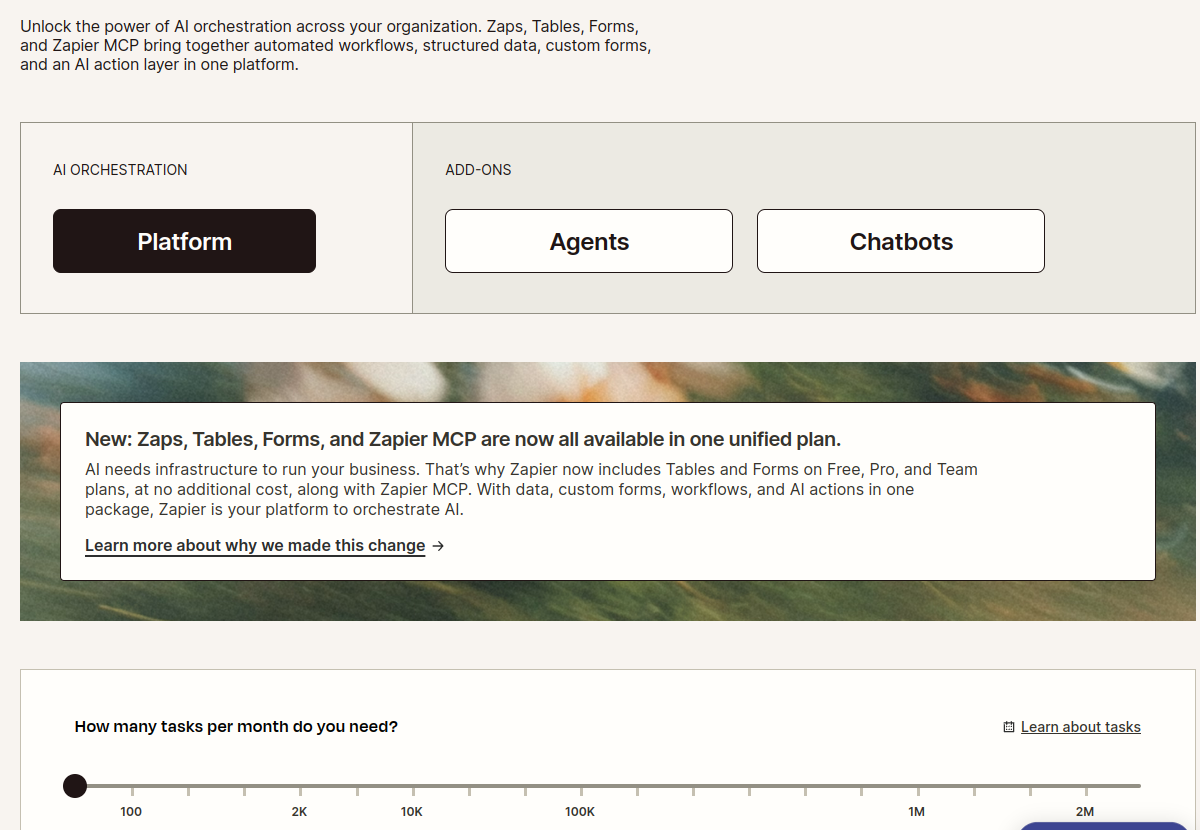
Pricing is often a decisive factor in the Zapier vs Make debate. Both platforms use a task/operation-based model, which can scale rapidly depending on your usage.
Zapier Pricing
Zapier's pricing is task-based, with tasks defined as actions performed within a Zap. All paid plans include Zaps, Tables, Forms, and Zapier MCP.
- Free: $0/mo. Includes 100 tasks/month, unlimited Zaps, Tables, and Forms. Limited to single-step Zaps. Ideal for individuals or very light personal use.
- Professional: Starts from $19.99/mo billed annually (33% off). Includes 750+ tasks/month, multi-step Zaps, Filters & formatters, Webhooks, Email and live chat support, AI fields, and conditional form logic. This plan targets growing businesses needing more complex automations.
- Team: Starts from $69/mo billed annually. Includes 2,000 tasks/month, 25 users, shared workspaces, unlimited users, Premier support, and SAML SSO. Designed for small to medium teams collaborating on automations.
- Enterprise: Custom pricing. Includes custom task volume, advanced admin, SAML SSO, dedicated account manager, and 99.9% uptime SLA. Aimed at large organizations with specific security, compliance, and scale requirements.
Users on Trustpilot and Reddit frequently cite Zapier's cost as a concern, especially at scale. While advanced steps like Filters and Formatters don't count towards task limits on paid plans, the overall task-based model can lead to higher expenses for high-volume users.
Make Pricing
Make's pricing is based on "operations," where each module action in a scenario counts as one credit. Annual billing often offers better value.
- Specific plan names and prices are not provided in the scraped data. Visit Make.com for current details.
Reddit users and Gartner Peer Insights reviews suggest that Make's pricing can also "add up" and "increase faster than expected" as usage grows, with one user considering switching to n8n for cost savings after paying $350 annually for Make. However, some users also note that Make's pricing can be "way better for complex workflows (no per-operation charges)" compared to Zapier, implying a different cost structure that might be more favorable in certain scenarios.
Pros and Cons
Zapier
Pros:
- Unrivaled App Ecosystem: With over 9,000 integrations, Zapier connects with virtually any app you use.
- User-Friendly: Highly intuitive for beginners and non-technical users, making automation accessible.
- Strong AI Integration: Advanced AI capabilities like AI-powered builders, suggestions, and agents are a significant differentiator in 2026.
- Robust Governance: Centralized control and audit trails are excellent for teams and enterprises.
- Reliability for Simple Workflows: Users consistently praise its uptime for straightforward automations.
Cons:
- Cost at Scale: Can become expensive for high task volumes, leading to "sticker shock" for some users.
- Limited Complexity: Reddit users suggest it can struggle with very complex workflows, branching logic, and advanced error handling compared to alternatives.
- Customer Support Concerns: Some Trustpilot reviews mention "non existent" or "inadequate support."
- Vendor Lock-in Risk: The "no refunds" policy and issues with plan changes noted in reviews could indicate potential vendor lock-in.
Make
Pros:
- Visual Workflow Design: The drag-and-drop visual builder provides excellent clarity for complex logic.
- Powerful Data Transformation: Excels at manipulating and routing data through intricate scenarios.
- Flexibility for Complex Scenarios: Better suited for workflows requiring advanced routing and data manipulation.
- Generous Free Tier: One Trustpilot reviewer noted a "very generous free credit limit."
Cons:
- Steeper Learning Curve: Users describe it as "very complicated to work with" and having a "High friction UI" for advanced features.
- Fewer Integrations: While substantial, 3,000+ apps are fewer than Zapier's extensive library.
- Potential for Clutter: The visual interface can become "cluttered" as projects grow in complexity.
- Pricing Concerns: While potentially better for complex workflows, execution costs can still add up, and "pricing doesn't scale well" for some users.
- Support & Documentation: TrustRadius reviews highlight "better support" and "better documentation" as areas for improvement.
Who Should Use Which: Zapier vs Make
Choose Zapier if:
- You prioritize ease of use and a fast setup for automation.
- You need to connect a vast array of different applications (over 9,000).
- Your team requires robust AI integration for task automation and agent orchestration.
- You need centralized governance, audit trails, and enterprise-grade security (SOC 2, GDPR, CCPA).
- Your workflows are generally straightforward to moderately complex, without extensive custom code or deep data manipulation.
- You are a non-technical user or a small to medium-sized business looking for a reliable, "set it and forget it" solution for common business tasks.
Choose Make if:
- You prefer a visual, node-based builder to map out complex workflows and see the data flow.
- Your automations involve intricate logic, advanced data transformation, and custom routing.
- You're comfortable with a slightly steeper learning curve in exchange for greater control and flexibility.
- You need low-code options for advanced customization and script execution within your workflows.
- Your primary concern is the precise handling and manipulation of data between applications.
- You are a more technically inclined user, a developer, or a business with highly specialized and complex automation requirements.
Verdict: Different Tools for Different Needs
The Zapier vs Make debate isn't about which tool is inherently "better," but rather which is better suited for your specific use case. They serve different but overlapping purposes in the automation landscape.
Zapier, especially in 2026, has cemented its position as the ultimate no-code AI orchestrator. Its unparalleled app integration library, coupled with advanced AI features and strong governance, makes it the go-to for businesses prioritizing breadth, ease of use, and AI-driven automation at scale. It's built for rapid deployment and accessibility across an organization, even if the cost can be high for massive task volumes.
Make, on the other hand, is the visual engineer's playground. If your workflows demand intricate logic, precise data manipulation, and a clear visual representation of every step, Make provides the canvas. Its strengths lie in depth and flexibility for complex scenarios, appealing to users who don't mind a bit of a learning curve for granular control.
For many businesses, a combination of both might even be ideal: Zapier for quick, high-volume, general integrations, and Make for those few, mission-critical, highly complex data pipelines. Ultimately, evaluate your team's technical skill set, the complexity of your desired automations, and your budget when making your choice.