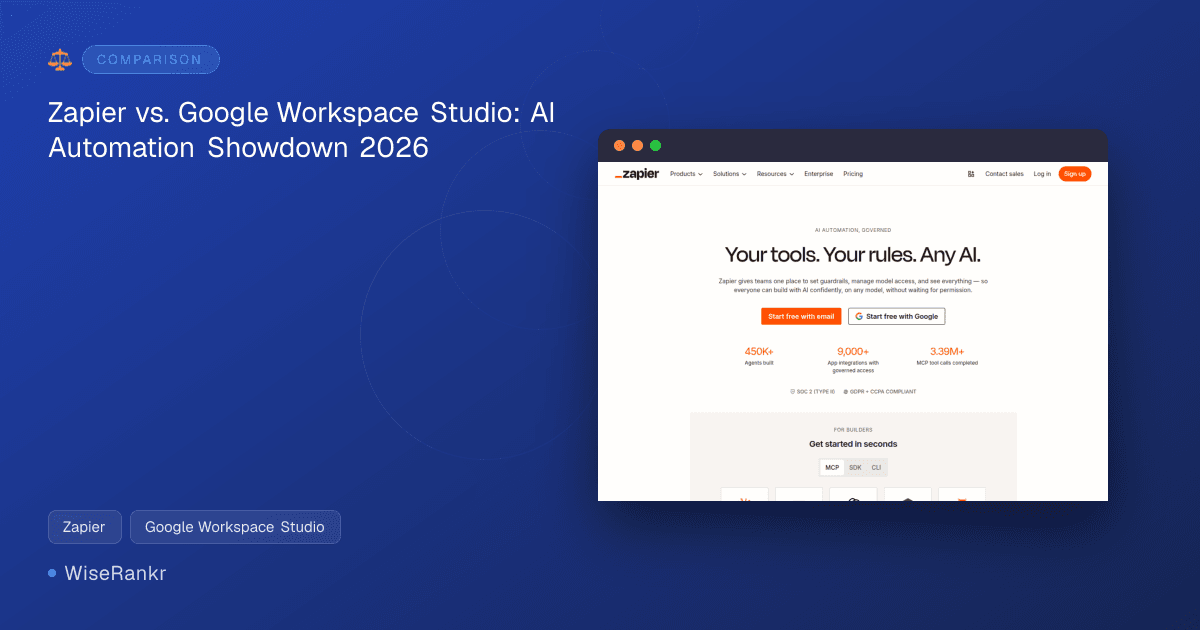
In the rapidly evolving landscape of business automation, choosing the right tools can significantly impact efficiency and scalability. We're pitting two prominent platforms against each other: Zapier, a long-standing leader in app integration, and Google Workspace Studio, a newer, AI-powered automation solution deeply embedded within the Google ecosystem. But are they direct competitors, or do they serve distinct needs?
Based on our analysis, Zapier and Google Workspace Studio are not direct competitors in the traditional sense. While both offer workflow automation, their core strengths, target audiences, and integration philosophies diverge significantly. Zapier excels as a universal connector for thousands of disparate applications, making it ideal for businesses needing to bridge gaps between diverse software stacks. Google Workspace Studio, conversely, is purpose-built for enhancing and automating tasks within the Google Workspace environment, leveraging agentic AI powered by Gemini.
This comparison will help you understand "which tool for which task," identifying scenarios where each shines and even when a business might benefit from using both in tandem. We'll explore their features, pricing, and overall value propositions to guide your decision-making in 2026.
Zapier: Overview and Market Positioning
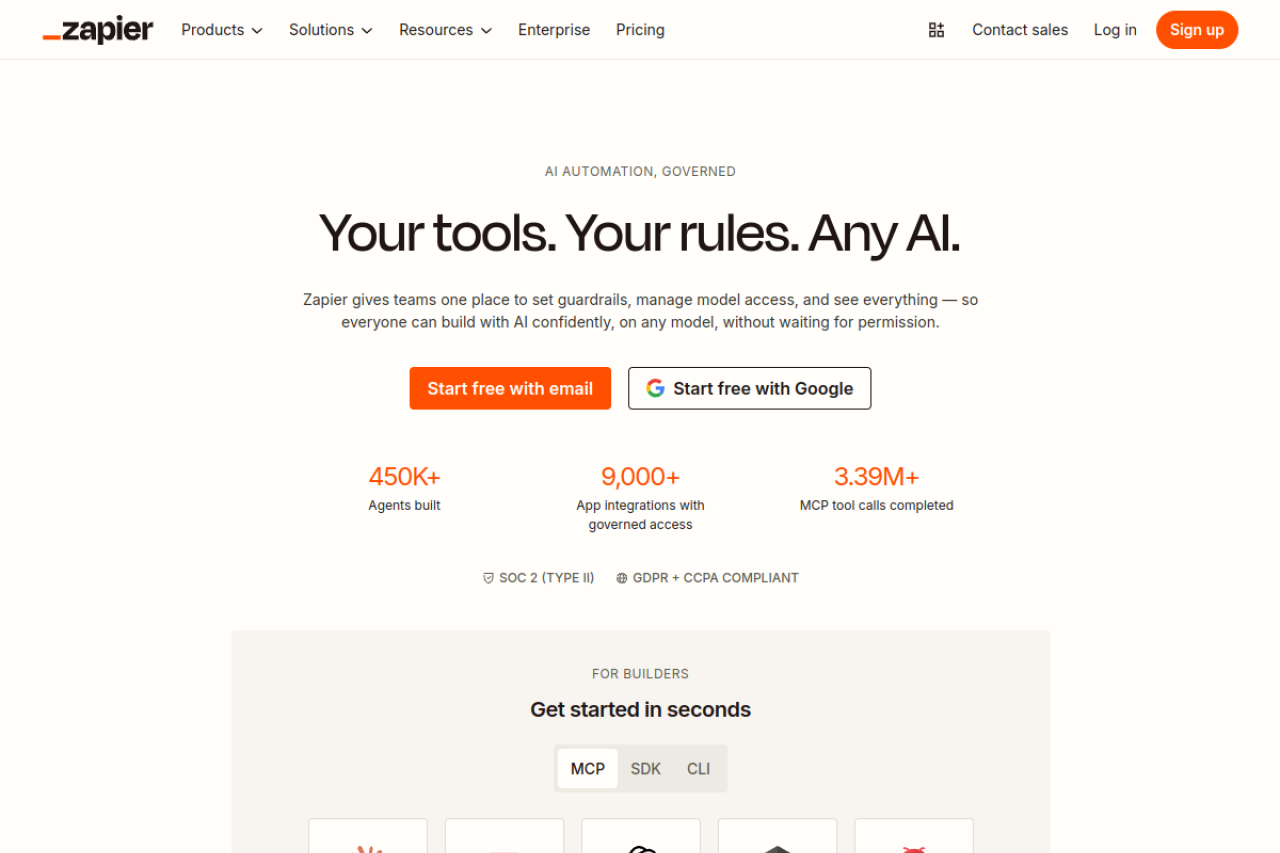
Zapier has been a pioneer in the no-code automation space for years, serving as a powerful bridge between over 9,000 applications. Its primary value lies in its extensive integration library, allowing users to create "Zaps" (automated workflows) that connect triggers in one app to actions in another. This makes it an indispensable tool for businesses looking to automate repetitive tasks across a wide variety of software, from CRM and marketing platforms to communication and project management tools.
In 2026, Zapier continues to evolve, heavily leaning into AI capabilities with its AI-powered Zap builder, automation suggestions, and AI agents for autonomous task execution. It positions itself as an "AI orchestration platform," providing centralized governance and audit trails for AI workflows. Zapier is particularly well-suited for small to medium-sized businesses (SMBs) and individual professionals who rely on a diverse set of cloud-based applications and need a flexible, user-friendly way to automate workflows without writing code. Its competitors include Make.com and n8n, often cited by users as alternatives for more complex logic or cost-efficiency at scale.
Google Workspace Studio: Overview and Market Positioning
Google Workspace Studio is Google's answer to intelligent automation within its popular Workspace suite. Powered by Gemini, it allows users to automate everyday work, from simple tasks to complex processes, using natural language. The key differentiator here is its native integration with Google Workspace applications like Gmail, Chat, and Drive. It's designed to empower anyone within an organization to create and manage AI agents and automate workflows directly from their familiar Workspace environment.
Google Workspace Studio targets businesses heavily invested in the Google ecosystem, from small teams to large enterprises, seeking to maximize productivity within their existing tools. It's ideal for those who want AI-driven automation closely tied to their email, documents, and communication platforms. Given its deep integration, direct competitors for Google Workspace Studio as a standalone product are less clear, as its value is intrinsically linked to the broader Google Workspace offering. However, within the AI-powered workflow automation niche, tools that offer natural language processing for workflow creation could be considered adjacent.
Feature Comparison
Here's a breakdown of how key features compare between Zapier and Google Workspace Studio:
| Feature | Zapier | Google Workspace Studio |
|---|---|---|
| Core Automation Type | App-to-app integration, AI workflow orchestration | AI-powered workflow automation within Google Workspace |
| AI Capabilities | AI-powered Zap builder, automation suggestions, AI agents for autonomous task execution, governed AI orchestration | Agentic AI powered by Gemini for natural language workflow creation, AI agents, Gemini AI assistant in various Workspace apps |
| App Integrations | 9,000+ app integrations with governed access | Connects to various business apps with prebuilt connectors (primarily focused on Workspace and connected services) |
| Workflow Complexity | Multi-step workflows with conditional logic, Zaps, Tables, Forms, Zapier MCP for AI actions | Automate simple tasks to complex processes, natural language workflow creation, pre-configured steps |
| User Interface | No-code platform, visual builder | No-code, natural language interface, manageable from Workspace apps |
| Governance & Security | Centralized governance and audit trails, SOC 2 (Type II), GDPR + CCPA compliant | Built into Google Workspace security and management controls |
Pricing Comparison
Understanding the pricing models is crucial, as they reflect each platform's target user and value proposition.
Zapier Pricing
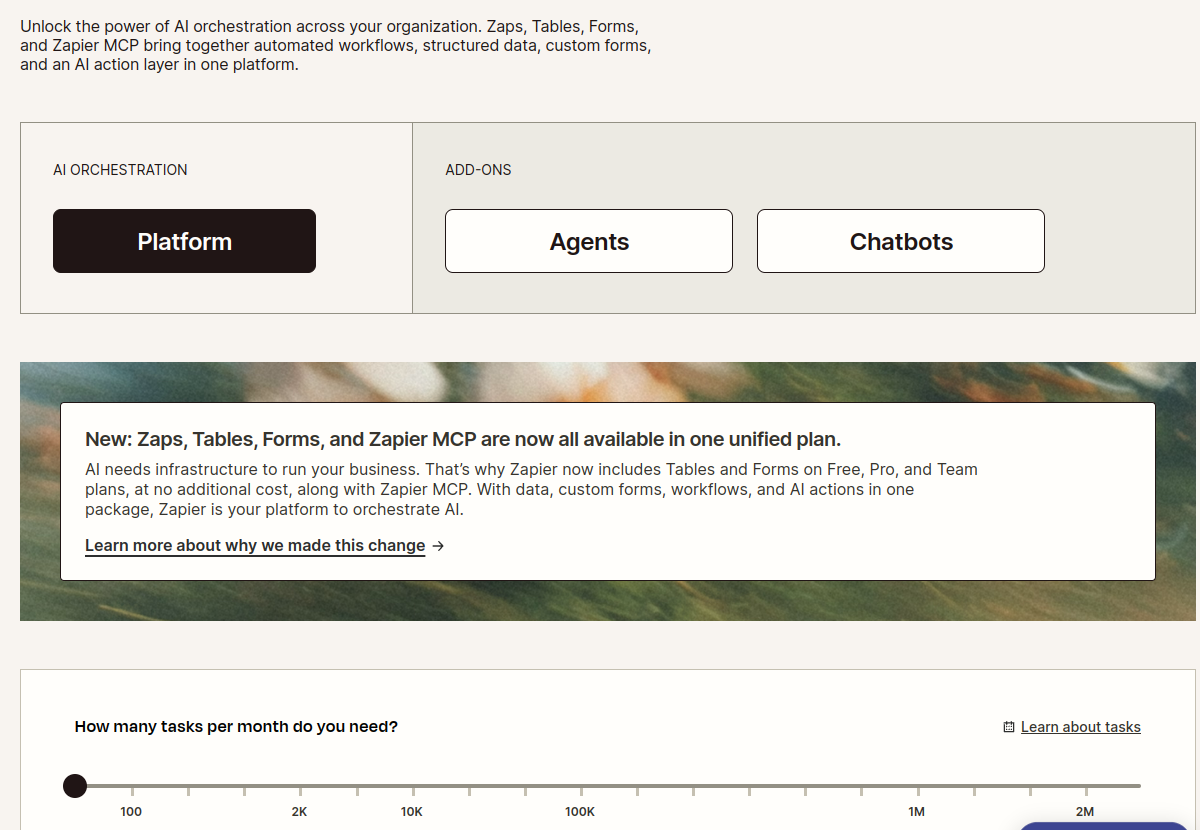
Zapier's pricing is task-based and now includes Zaps, Tables, Forms, and Zapier MCP (AI action layer) in one unified plan. They offer three main plans:
- Free: $0/mo. Includes 100 tasks per month. Offers Zapier automation platform, unlimited Zaps, Tables, and Forms. Ideal for individuals or very small teams with minimal automation needs. However, the Free plan has significant limitations, including only 2 steps per Zap, 15-minute polling, and restricted access to premium apps and features like filters or paths.
- Professional: Starting at $19.99/mo billed annually. Includes unlimited Zaps, Tables, and Forms, multi-step Zaps, premium apps, webhooks, filters, paths, formatter, 2-minute polling, and autoreplay. Task tiers start at 750 tasks per month. This plan is designed for growing businesses needing more robust and frequent automations.
- Team: Starting at $69/mo billed annually. Includes collaboration features. Visit Zapier.app for details on specific task tiers and features for this plan.
Users on Reddit frequently highlight Zapier's cost as a significant concern when scaling, with "steep price jumps" and "prohibitive pricing at high task volumes" being common complaints. This suggests that while accessible for basic use, scaling with Zapier can become expensive quickly.
Google Workspace Studio Pricing
Google Workspace Studio is not a standalone product with separate pricing. Instead, it is included with all Business and Enterprise Google Workspace plans. This means its cost is bundled into your existing or new Workspace subscription.
- Business Starter: $7/user per month (or $4.90/user per month for the first 3 months as an introductory offer). This plan includes 30 GB pooled storage, custom business email, and the Gemini AI assistant in Gmail.
- Business Standard: $14/user per month (or $9.80/user per month for the first 3 months as an introductory offer). This plan offers 2 TB pooled storage, custom business email with advanced features, and the Gemini AI assistant across Gmail, Docs, Meet, and more, plus NotebookLM with expanded access.
These prices are for monthly billing per user. Annual commitments usually offer a discount, such as "Save 16% with 1 year commitment." This model targets businesses already using or planning to adopt Google Workspace, integrating automation as part of their broader productivity suite investment.
Pros and Cons of Each Tool
Zapier Pros
- Vast Integration Library: Connects over 9,000 apps, making it highly versatile for diverse tech stacks.
- No-Code Accessibility: Empowers non-developers to build complex automations.
- AI-Powered Features: Offers AI-driven suggestions and agents for advanced automation.
- Flexibility: Good for connecting disparate systems and creating multi-step, conditional workflows.
Zapier Cons
- Cost at Scale: Reddit users frequently mention that pricing can become prohibitive for high task volumes, leading to "rage-quitting Zapier."
- Limited Free Plan: The free tier is quite restrictive (100 tasks/month, 2 steps per Zap, 15-minute polling, no premium apps/features).
- Customer Service Concerns: Trustpilot reviews specifically highlight dissatisfaction with customer service, citing unhelpful or slow responses.
- Learning Curve for Advanced Features: While generally user-friendly, complex conditional logic can still require some effort to master.
Google Workspace Studio Pros
- Native Workspace Integration: Deeply embedded within Gmail, Chat, Drive, and other Workspace apps for seamless automation.
- AI-Powered by Gemini: Leverages advanced AI for natural language workflow creation and agentic automation.
- Simplified Workflow Creation: "Simply describe what you want to automate in plain language" to create flows.
- Bundled Value: Included with Google Workspace plans, offering automation as part of a comprehensive suite.
- Manageable from Workspace: Modify and track flows without leaving your familiar Google apps.
Google Workspace Studio Cons
- Ecosystem Lock-in: Best suited for businesses heavily reliant on Google Workspace; less versatile for integrating with a wide array of non-Google applications.
- Limited External Reviews: As a newer offering, specific user reviews for Google Workspace Studio are scarce, making it harder to gauge real-world satisfaction beyond the broader Workspace suite.
- Pricing tied to Workspace: While a pro for Workspace users, it means you can't acquire Studio automation capabilities without a full Workspace subscription.
- Potential for Vendor Lock-in: Deep integration could make switching to alternative productivity suites more challenging in the future.
Who Should Use Which?
Choose Zapier if:
- Your business uses a wide variety of third-party applications (CRM, marketing automation, project management, etc.) that need to communicate with each other.
- You need to automate workflows that span across different software ecosystems, including both Google and non-Google apps.
- You are a growing business or individual professional looking for a highly flexible and extensible automation platform.
- You require advanced multi-step workflows with complex conditional logic, and you're prepared for potential cost increases as your task volume grows.
Zapier is ideal for the "connector" role, acting as the central nervous system for a diverse tech stack. Its extensive app directory is unparalleled, making it the go-to for many businesses.
Choose Google Workspace Studio if:
- Your business is deeply integrated into the Google Workspace ecosystem (Gmail, Google Docs, Drive, Chat, Meet).
- You want to automate tasks primarily within these Google applications and leverage AI (Gemini) for natural language workflow creation.
- You are looking for an automation solution that is bundled with your existing productivity suite, simplifying billing and management.
- You prioritize ease of use and seamless integration within a unified environment, with less emphasis on connecting to thousands of external, non-Google apps.
Google Workspace Studio is perfect for maximizing productivity within the Google sphere, empowering users to automate tasks where they already work.
Consider Using Both if:
Many businesses might find value in using both platforms. For example, a company heavily reliant on Google Workspace for internal communication and document management could use Google Workspace Studio for internal process automation (e.g., summarizing meeting notes in Chat, drafting emails in Gmail). Simultaneously, they could use Zapier to connect their Google Workspace data with external tools like a specific CRM (e.g., Salesforce), a marketing automation platform (e.g., HubSpot), or a project management tool (e.g., Asana) that isn't natively supported by Studio. This hybrid approach allows businesses to leverage the deep native capabilities of Studio for internal tasks while benefiting from Zapier's extensive external integration capabilities.
The Ultimate Verdict
Neither Zapier nor Google Workspace Studio is inherently "better"; they are designed for different primary use cases. Zapier is the universal translator for your entire software ecosystem, connecting thousands of apps to build robust, multi-step workflows. Its strength lies in its breadth and flexibility, but this comes with a cost structure that can become challenging at high volumes.
Google Workspace Studio is the intelligent assistant deeply embedded within your Google Workspace, streamlining tasks and processes using agentic AI right where you work. Its power comes from its native integration and the seamless experience it offers within the Google environment, bundled as part of a comprehensive productivity suite. For businesses committed to Google, Studio offers unparalleled internal automation convenience.
Ultimately, your choice depends on your specific needs: do you need to connect disparate apps across a wide, varied tech stack (Zapier), or do you primarily need to automate and enhance workflows within the Google ecosystem leveraging AI (Google Workspace Studio)? For many forward-thinking organizations in 2026, a strategic combination of both tools may offer the most comprehensive and powerful automation strategy.
Frequently Asked Questions (FAQs)
What is the main difference between Zapier and Google Workspace Studio?
The main difference is their scope: Zapier connects over 9,000 diverse applications to automate workflows across various software ecosystems, while Google Workspace Studio focuses on AI-powered automation and agent creation within the Google Workspace environment (Gmail, Docs, Chat, etc.).
Can Google Workspace Studio replace Zapier?
Not entirely. While Google Workspace Studio can automate many tasks within the Google ecosystem, it cannot replace Zapier's ability to connect and automate workflows across thousands of third-party applications outside of Google's direct integrations. They serve different, albeit sometimes overlapping, automation needs.
Is Google Workspace Studio free?
Google Workspace Studio is not a separate, free product. It is included as a feature within all paid Google Workspace Business and Enterprise plans. You would need to subscribe to a Google Workspace plan to access its capabilities.
When should I use both Zapier and Google Workspace Studio?
You should consider using both if your business relies heavily on Google Workspace for internal operations and communication (leveraging Studio for internal automation) but also needs to integrate and automate processes with numerous external, non-Google applications (using Zapier for broader connectivity).