Unlocking AI Automation: A Deep Dive into Zapier in 2026
In the rapidly evolving landscape of artificial intelligence, automating workflows has become paramount for businesses of all sizes. But with so many AI models and applications emerging, how do you ensure seamless integration and governed use? Enter Zapier. Is this well-known automation platform still leading the charge, especially with its new focus on AI orchestration?
This review will thoroughly examine Zapier's current offerings, focusing on its advancements in AI workflow automation, agent management, and app integrations. We'll explore its features, pricing, user sentiment from various platforms, and ultimately help you determine if Zapier is the right fit for your organization in 2026.
What is Zapier? Your Gateway to AI Automation, Governed
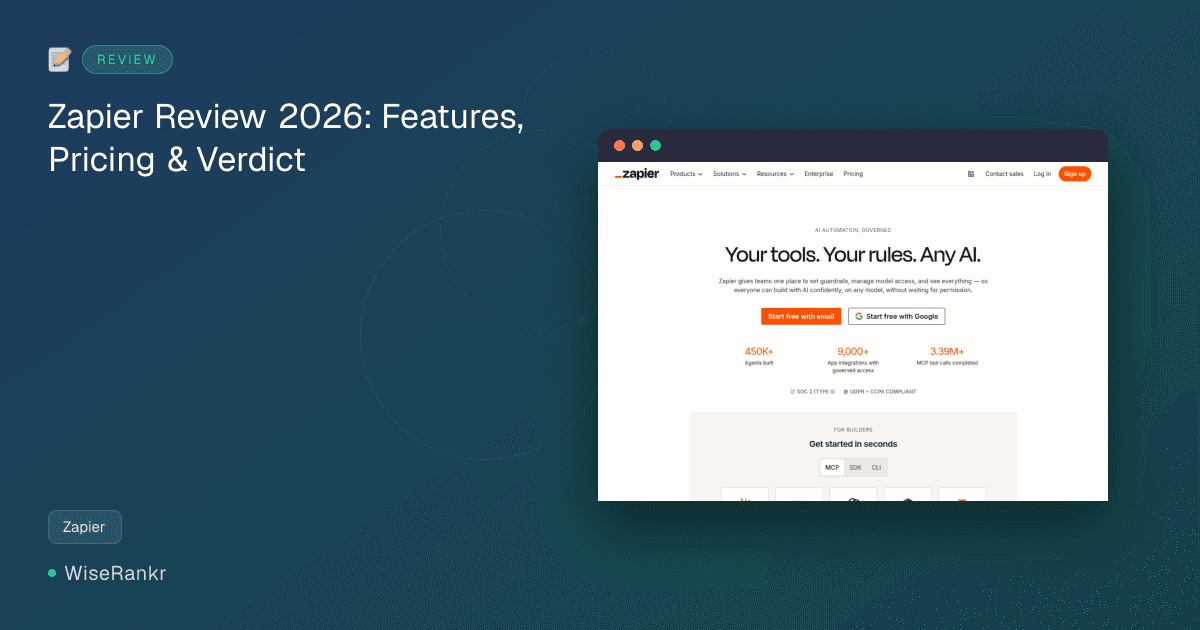
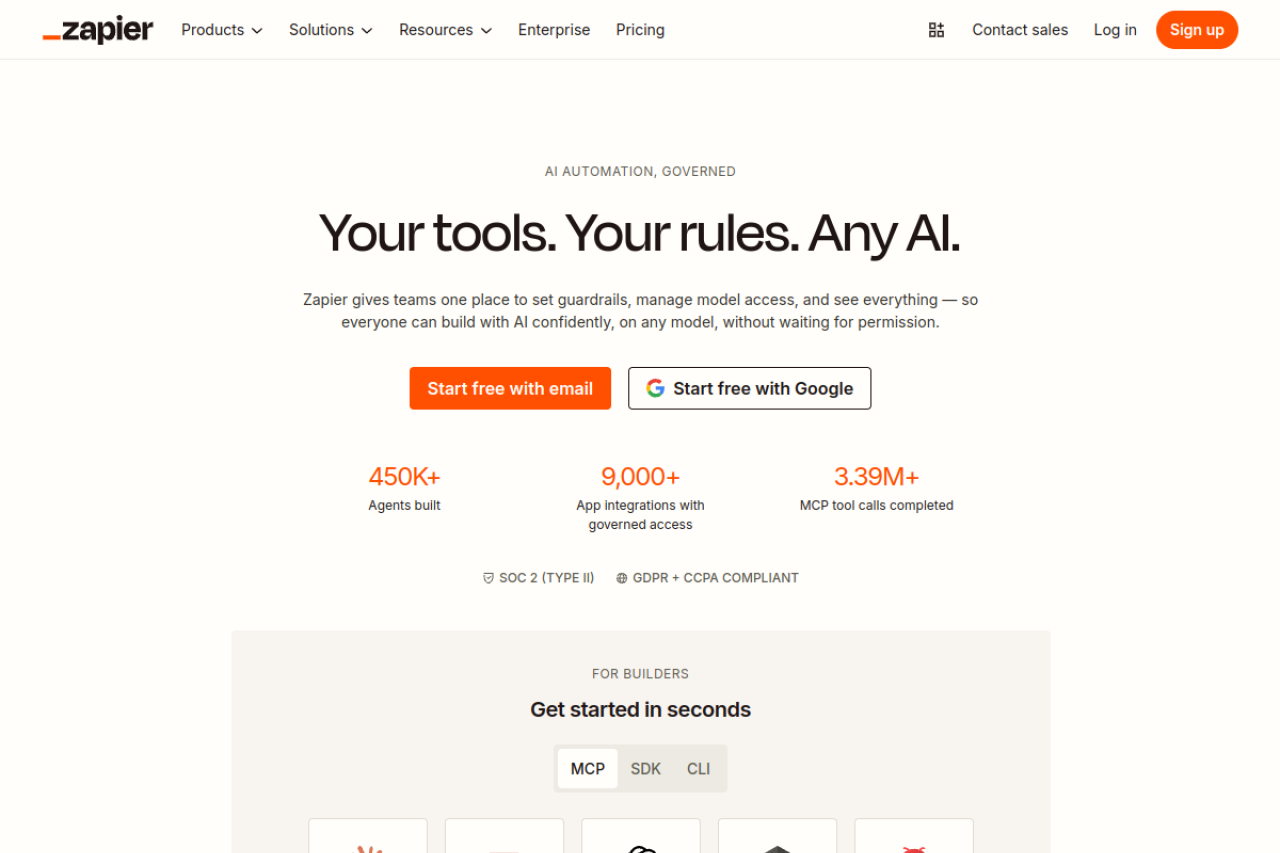
Zapier is a powerful online automation tool designed to connect your favorite applications and automate repetitive tasks without requiring any coding. Traditionally known for linking apps like Gmail, Slack, and Mailchimp, Zapier has significantly expanded its capabilities. In 2026, it positions itself as a comprehensive platform for "AI automation, governed," allowing teams to manage AI model access, set guardrails, and build confidently with any AI model.
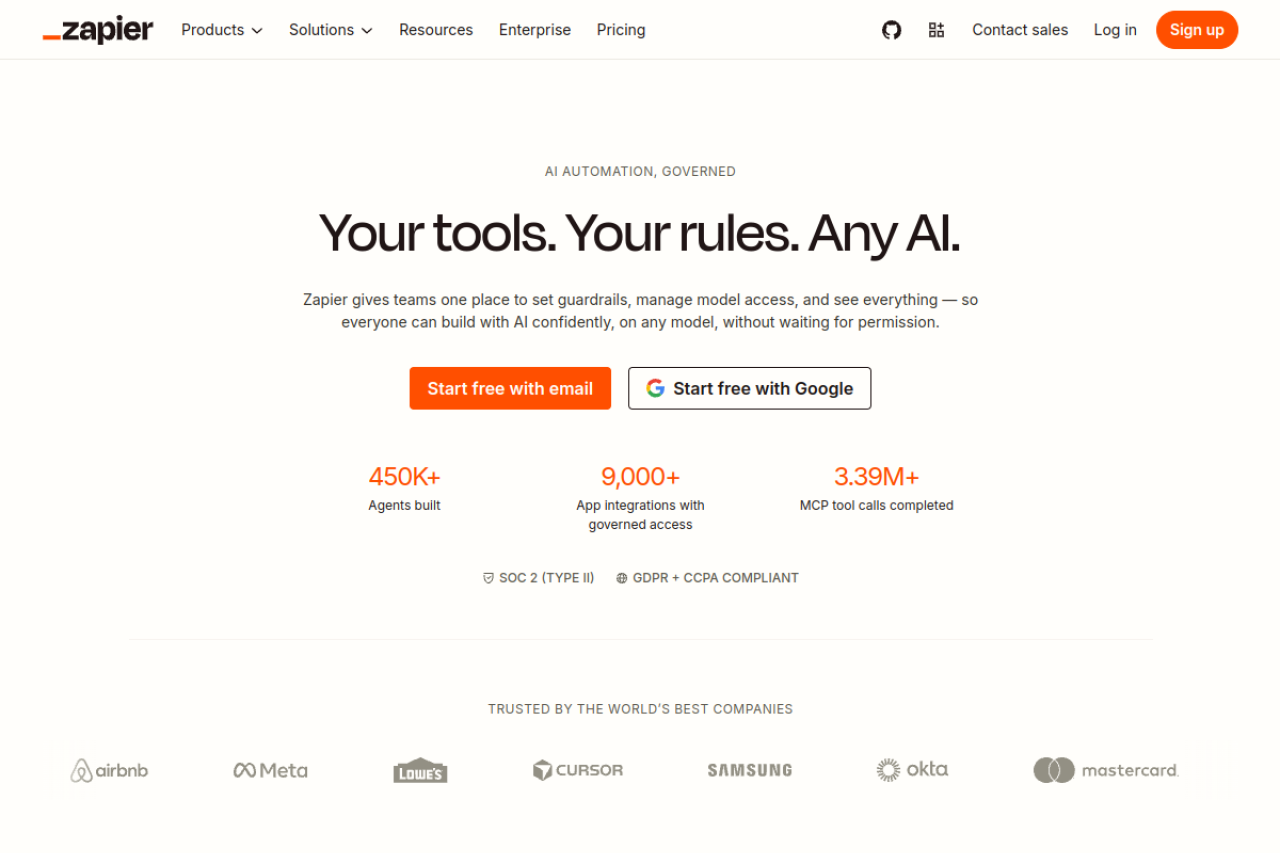
The platform boasts an impressive ecosystem, with 9,000+ app integrations and a reported 450K+ agents built by users, facilitating over 3.39 million MCP (Multi-Cloud Platform) tool calls. It's built for both individual builders and organizational teams, emphasizing security with SOC 2 (Type II) and GDPR + CCPA compliance.
Essential Features of Zapier's AI Orchestration Platform
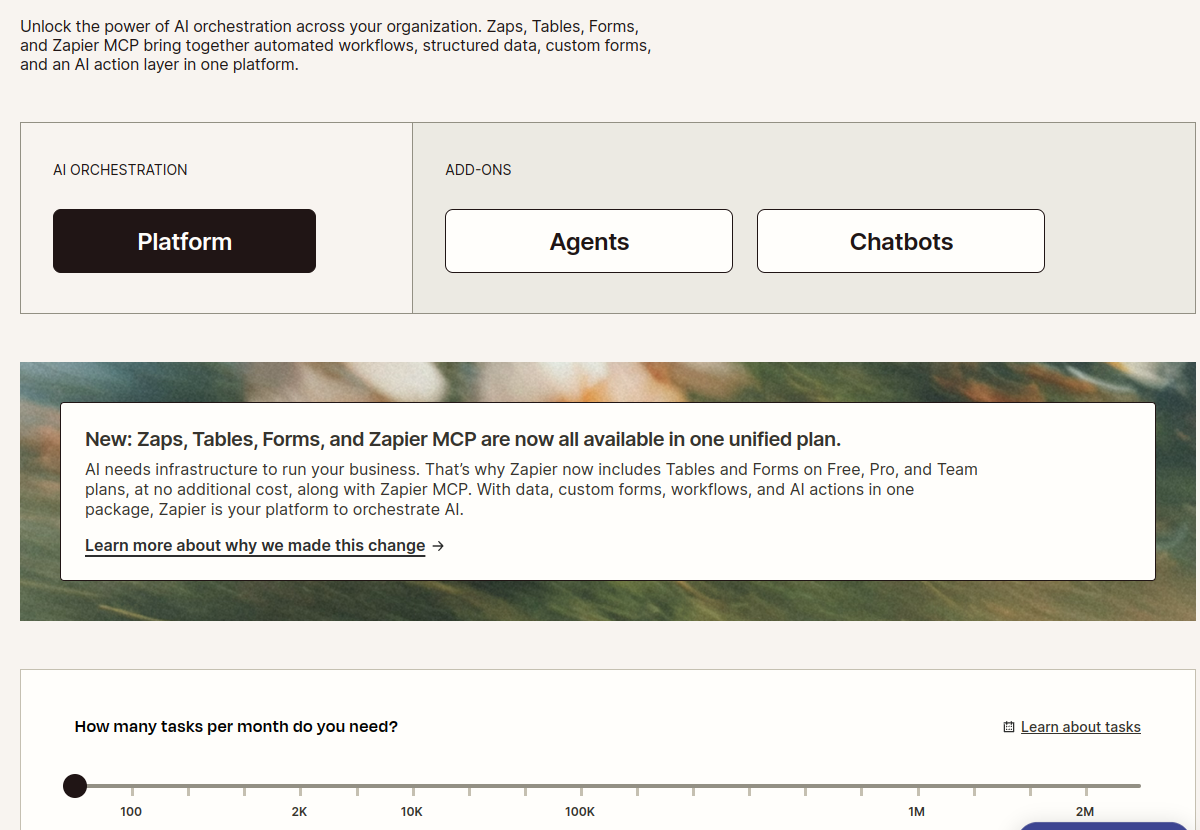
Zapier's feature set has evolved to meet the demands of AI-driven workflows. It now bundles its core automation platform with Tables, Forms, and Zapier MCP (Multi-Cloud Platform) to provide a unified AI orchestration solution.
Core Automation & Integration
- Connects over 9,000 apps: This extensive integration library remains a cornerstone of Zapier's appeal, enabling connectivity across virtually any business application.
- Multi-step Workflows with Conditional Logic: Build complex automations that react dynamically to different conditions, ensuring your AI workflows are intelligent and adaptable.
- Unlimited Zaps, Tables, and Forms: All plans, including the Free tier, now offer unlimited Zaps, Tables, and Forms, with usage governed by task limits.
- Zapier Automation Platform: This platform integrates user interfaces, data tables, and Zaps with logic to automate custom workflows seamlessly.
AI-Specific Capabilities
- AI-powered Zap builder and automation suggestions: Helps users create efficient automations faster, especially when integrating AI tools.
- Centralized governance and audit trails: Provides teams with one place to manage model access and set guardrails, crucial for responsible AI deployment.
- AI agents for autonomous task execution: Users can build and deploy AI agents to perform tasks, further extending automation possibilities.
- Connect to Claude & ChatGPT: Zapier provides direct, step-by-step instructions for connecting to popular AI models like Claude, Claude Code, and ChatGPT, facilitating the integration of these powerful tools into workflows.
- MCP SDK CLI: For developers, the MCP SDK Command Line Interface offers advanced control and customization for building AI integrations.
Zapier Pricing Plans: A Look at AI Orchestration Costs
Zapier has recently restructured its pricing to unify its offerings, bundling Zaps, Tables, Forms, and Zapier MCP into single plans. Pricing is primarily based on the number of tasks per month, with options for monthly or annual billing.
Free Plan
- Cost: $0/mo (Free forever)
- Tasks: 100 tasks /mo
- Includes: Zapier automation platform, Unlimited Zaps, Tables, and Forms.
- Limitations (as per external research): Limited to 2 steps per Zap (1 trigger + 1 action), 15-minute polling interval, premium apps locked, Webhooks by Zapier locked, Filters/Paths/Formatter locked, no autoreplay on errors, 1 user, community forum support only.
Professional Plan
- Cost: Starting at $19.99/mo billed annually. Visit Zapier.app/pricing for monthly rates and task tier details.
- Tasks: Starts at 750 tasks /mo (with various higher task tiers available).
- Features: Unlimited Zaps, Tables, and Forms, Multi-step Zaps, premium apps, webhooks, filters, paths, formatter, 2-minute polling, autoreplay.
Team Plan
- Cost: Starting at $69/mo billed annually. Visit Zapier.app/pricing for monthly rates and task tier details.
- Tasks: Various higher task tiers available beyond the Professional plan.
- Features: Includes all Professional features plus collaboration capabilities (Visit Zapier.app/pricing for full details).
For higher usage, Zapier offers various task tiers up to 2 million tasks per month, and custom task limits for enterprise needs. Paying yearly offers a 33% saving compared to monthly billing.
User Reviews: The Real-World Zapier Experience
User feedback paints a nuanced picture of Zapier, highlighting its strengths and weaknesses, particularly concerning cost at scale and customer support.
Positive Sentiment
Users on G2 and Capterra generally report high satisfaction, with aggregate scores around 4.6/5 across thousands of reviews. They praise Zapier for its time-saving capabilities, extensive app integrations, and user-friendly interface. Many find it a "life saver" for automating notifications, scheduling social media, and acting as a "backbone" for marketing automation. GetApp users specifically note its flexible pricing for basic needs and reliable automation.
Areas for Improvement & Common Complaints
However, Trustpilot reviews tell a different story, showing a significantly lower rating of 1.4/5. Key complaints revolve around customer service, described as unhelpful, slow, and difficult to get solutions from. Users also report issues with the service itself, including bugs and unreliable automations. A strict "no refund" policy and a perceived convoluted user experience contribute to this negative sentiment.
Reddit discussions frequently echo concerns about the cost at scale. Many users mention "rage-quitting Zapier" due to prohibitive pricing once task volumes increase. The free plan is often cited as very limited, lacking premium features, webhooks, and advanced logic like filters and paths. This has led to a "three-migration trap" where users start with Zapier, move to more cost-effective alternatives like Make.com or n8n, and eventually consider custom solutions for maximum control.
Extensive Integrations: Connecting Your Entire Stack
Zapier's primary strength lies in its vast integration library, connecting over 9,000 applications. This allows businesses to create automated workflows across virtually all their software tools. This includes popular CRM systems, marketing platforms, communication tools, project management software, and now, leading AI models.
The explicit instructions for connecting to Claude, Claude Code, and ChatGPT demonstrate Zapier's commitment to integrating the latest AI technologies seamlessly into existing workflows. This positions Zapier as a central hub for orchestrating not just traditional app-to-app automations, but also AI-driven processes.
Pros & Cons of Zapier in 2026
Pros:
- Extensive App Integrations: Connects to over 9,000 applications, providing unparalleled flexibility.
- AI Orchestration Capabilities: Centralized governance, model access management, and AI agent support for confident AI deployment.
- User-Friendly Interface: Generally considered easy to set up and use for basic to intermediate automations.
- Unified Platform: Zaps, Tables, Forms, and Zapier MCP are now bundled, simplifying the automation ecosystem.
- Scalable Task Tiers: Offers a wide range of task limits to accommodate various business needs, from small teams to large enterprises.
- Security & Compliance: SOC 2 (Type II) and GDPR + CCPA compliant, addressing enterprise security concerns.
Cons:
- Cost at Scale: Pricing can become prohibitive for high-volume task usage, leading many to seek alternatives.
- Limited Free Plan: The free tier has significant restrictions on tasks, steps per Zap, polling interval, and premium features.
- Customer Service Issues: Trustpilot reviews highlight concerns about slow, unhelpful, and difficult-to-reach support.
- Complexity for Advanced Logic: While improving, some users find it less robust for highly complex, multi-conditional workflows compared to alternatives.
- No Native Self-Hosting: Lacks an option for technical users who prefer self-hosting for cost control and customization.
Who Is Zapier For?
Zapier is ideal for a broad spectrum of users. Small to medium-sized businesses looking to automate routine tasks without coding will find its intuitive interface and vast integration library highly beneficial. Marketing teams, sales departments, and operations managers can leverage Zapier to streamline lead nurturing, customer support, and data synchronization.
With its enhanced AI orchestration features, Zapier is increasingly suitable for organizations that are beginning to integrate AI models like Claude and ChatGPT into their daily operations. It's particularly valuable for teams that need to set guardrails and manage AI access centrally, ensuring controlled and compliant use of AI across the organization. For individual "builders" and developers, the MCP SDK CLI offers tools for deeper customization.
Alternatives to Zapier
Given the concerns about Zapier's cost at scale and advanced logic limitations, several alternatives have gained popularity:
- Make.com (formerly Integromat): Often cited as a more cost-effective alternative for multi-step workflows, especially for those who find Zapier's pricing too steep. Users praise its visual workflow builder and granular control.
- n8n: A popular choice for technical users and developers, n8n offers self-hosting options, which can significantly reduce costs for high-volume users. It provides more control and flexibility for complex automations.
- Integrately: A newer entrant that aims to provide a more affordable and simplified automation experience.
- Custom Solutions: For very specific, high-volume, and highly complex needs, some enterprises opt for custom-built integrations to maximize efficiency and cost control, though this requires significant development resources.
The choice between Zapier and its alternatives often comes down to budget, technical expertise, and the complexity of the required automations.
The WiseRankr Verdict: Zapier in 2026
Zapier remains a powerhouse in the automation space, and its strategic pivot towards "AI automation, governed" is a significant step forward. The unification of Zaps, Tables, Forms, and Zapier MCP into single plans makes it a more comprehensive solution for orchestrating AI workflows.
Its unparalleled integration library and user-friendly interface make it an excellent choice for businesses looking to easily automate tasks and integrate AI models without extensive coding. The centralized governance features for AI are particularly compelling for larger teams concerned with responsible AI deployment.
However, the recurring themes of high cost at scale and customer service issues, as highlighted by Trustpilot and Reddit users, cannot be ignored. For businesses with very high task volumes or those requiring highly complex, nuanced conditional logic on a budget, exploring alternatives like Make.com or n8n might be a more economical long-term strategy. That said, for many, Zapier's ease of use and broad ecosystem still make it a top contender for managing and automating AI-powered processes.
People Also Ask About Zapier
What is Zapier MCP?
Zapier MCP stands for Multi-Cloud Platform. It's Zapier's framework designed to help teams set guardrails, manage AI model access, and gain visibility into AI usage across their organization. It allows confident building with any AI model without waiting for extensive permissions.
Can I use Zapier for free?
Yes, Zapier offers a Free plan. This plan includes 100 tasks per month and access to Zaps, Tables, and Forms. However, it has significant limitations, such as a 2-step Zap limit, 15-minute polling, and no access to premium apps or advanced features like filters and paths.
How many apps can Zapier integrate with?
Zapier boasts integration with over 9,000 applications. This extensive library allows users to connect virtually any tool in their tech stack to automate workflows.
Is Zapier good for AI automation?
Yes, Zapier has significantly enhanced its capabilities for AI automation. It provides features for governing AI usage, managing model access, and building AI agents. It also offers direct integrations and setup instructions for popular AI models like Claude and ChatGPT, making it a strong platform for orchestrating AI workflows.